Italian Biometric Document Photo Limits and Failure Modes
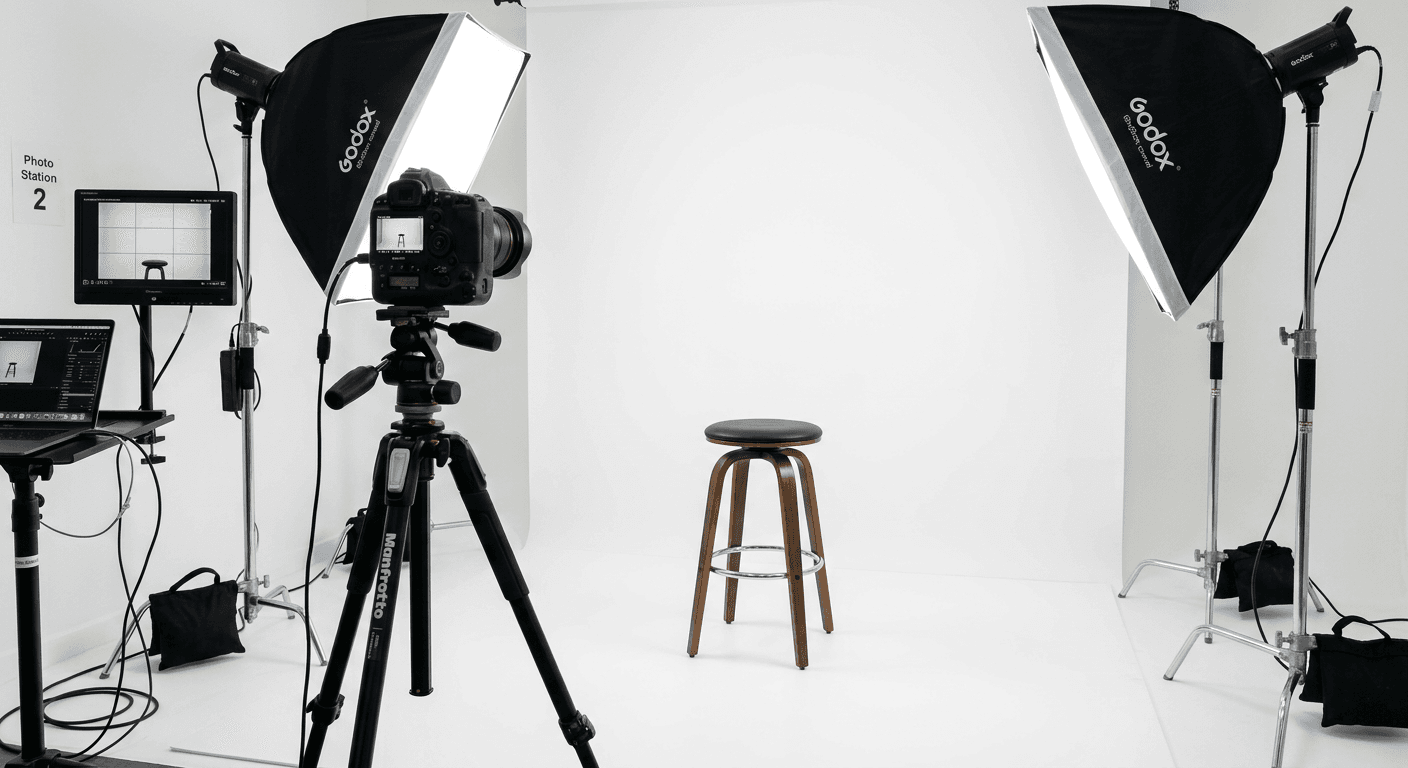
A parent arrives at the Questura after a four-month wait, hands over a freshly printed image of their infant, and watches the desk officer slide it back across the counter. "The background is too dark," the officer says. The application halts immediately. Creating a foto passaporto italiano that actually passes government software checks requires exact alignment with biometric scanner tolerances, not just a casual glance at lighting. The distinction that organizes this entire process is the difference between human perception and algorithmic measurement: a photo that looks clear to the naked eye often fails because a shadow behind the ear confuses the edge-detection software, or a subtle head tilt alters the measured distance between the pupils.
Quick Summary
An Italian identification photo is a strictly formatted biometric data point designed for machine readability, governed by the Ministry of Interior. It must map exact facial anchor points against a pure, shadow-free background to pass automated scanning at the issuing office.
- Standard dimensions are strictly 35mm by 45mm, printed on high-quality photographic paper.
- The subject's head must occupy between 70% and 80% of the total vertical space.
- Digital processing for municipal ID cards requires specific file compression limits (under 500KB) and high DPI.
- Automated rejections stem overwhelmingly from background contrast failures and incorrect inter-pupillary alignment.
Table of Contents
- Why the foto passaporto italiano Triggers Scanner Rejections
- How the Questura Calibrates Immigration File Scans
- Where Municipal Uploads Corrupt the Image File
- What the Printing Process Destroys in the Image
- When the Algorithm Relaxes for Infant Applicants
- Diagnosing the Three Most Common Counter Rejections
- FAQ
- Recommended Reads
Why the foto passaporto italiano Triggers Scanner Rejections
Italy relies on the International Civil Aviation Organization (ICAO) Document 9303 framework to standardize identity documents. When a clerk scans an image, the software immediately looks for specific biometric anchor points. It measures the interpupillary distance (the space between the centers of the eyes), the alignment of the jawline, and the exact position of the nose tip relative to the chin.
If the software cannot isolate the edge of the subject's face from the background, the image fails validation. This is why the italian passport photo specifications demand a uniform, light-colored background (almost always pure white in practice) without patterns or shadows. A grey border or an off-white wall creates a gradient that the background segmentation algorithm interprets as part of the head, artificially expanding the measured skull width.
Similarly, a subject who drops their chin alters the vertical distance between the mouth and the eyes. The camera must sit exactly at eye level. A lens positioned even two inches too high captures the forehead disproportionately and shrinks the lower jaw, triggering an immediate rejection at the terminal.
How the Questura Calibrates Immigration File Scans
Immigration processing introduces an entirely separate physical scanning environment. When an applicant attends their fingerprinting appointment (rilievi fotodattiloscopici) for residency, they hand over physical prints. The foto per permesso di soggiorno is placed face-down on a flatbed scanner connected directly to the Ministry of the Interior's central database.
Because these scanners process thousands of documents daily, the rollers and glass often suffer from minor smudging or calibration drift. This hardware reality means the photo you submit must have exceptionally high contrast between the subject and the background. If the lighting on the subject's face is flat or slightly underexposed, the scanner's auto-exposure correction will wash out the facial features entirely when trying to compensate for the dark image.
Furthermore, the physical material matters. Photographs printed on standard copy paper or cheap matte stock absorb ink differently than true photographic paper, leaving microscopic jagged edges along the hairline. The scanner reads these ink bleeds as a failure in image sharpness. Only images developed on smooth, high-resolution photographic paper will survive the optical transfer into the residency file system.
Where Municipal Uploads Corrupt the Image File
The Carta d'Identità Elettronica (CIE) changes the transmission method. Unlike passports and immigration documents that strictly require physical prints at the counter, many local municipalities (Comuni) now allow or require digital files for the ID card. The foto per carta d'identità elettronica can often be submitted via USB stick or directly emailed to the Anagrafe office.
This digital shift introduces file compression as a major failure mode. The official portal limits file sizes to 500KB and requires a minimum resolution of 400 dpi (dots per inch) in JPG format. When applicants email the image to themselves from a phone, mobile operating systems frequently compress the file to save bandwidth. An image that started at 2MB with crisp edges arrives at the municipal desk as a 90KB file riddled with compression artifacts.
Practical rule: Always transfer the ID image file using a physical cable, a USB drive, or a cloud storage link rather than an email attachment or messaging app, which will aggressively compress the biometric data.
When the clerk imports the compressed file into the CIE issuing software, the compression blocks around the eyes confuse the iris-detection algorithms. The software flags the image as digitally altered, assuming the artifacts are attempts to digitally mask a feature, forcing the applicant to book a new appointment weeks later.
What the Printing Process Destroys in the Image
The physical dimensions must sit exactly at 35mm wide by 45mm high. Within that frame, the italian passport photo size rules dictate that the head must measure between 32mm and 36mm from the bottom of the chin to the top of the skull. This leaves almost no margin for cropping errors.
When an image is sent to a commercial photo kiosk or a home printer, the software often applies an automatic "fit to page" or "borderless" scaling algorithm. This scaling stretches the image by 2% to 4% to bleed over the edges of the 4x6 inch paper. That 4% stretch increases a 35mm head to 36.4mm, pushing it beyond the legal maximum limit. The clerk measures this with a physical plastic overlay at the desk; if the chin and crown cross the printed lines on the overlay, the photo is discarded.
To prevent this, the image file must be embedded onto a 4x6 inch digital canvas with the exact 35x45mm frames locked in place, ensuring the printer reads the document at a strict 1:1 scale with no auto-expansion.
When the Algorithm Relaxes for Infant Applicants
Applying the adult standards to a newborn is physically impossible. Infants lack neck control, cannot sit upright, and rarely maintain a neutral expression. Because of this, the Italian authorities relax specific biometric constraints for children under 12 months, though the overall formatting of italian passport photos remains strict.
The algorithm suspends the requirement for a perfectly closed mouth and a strictly neutral expression, acknowledging that babies will part their lips or display slight emotion. However, the system never suspends the rule regarding secondary subjects or hands in the frame. A parent's hand holding the infant's shoulder, or a pacifier in the mouth, immediately voids the image because the facial recognition system cannot map a face obstructed by foreign objects.
The most reliable mechanical setup is laying the child on their back over a pure white sheet. This presents a new challenge: lighting. Overhead room lights cast a hard shadow directly under the chin and behind the neck when a subject is lying flat. The biometric scanner reads this shadow as the boundary of the jawline, severely distorting the head size measurement. Lighting must be distributed equally from both sides of the infant to eliminate neck shadows.
| Specification | Adult Requirement | Infant (Under 1 Year) Exemption |
|---|---|---|
| Facial Expression | Strictly neutral, mouth closed | Relaxed, slight parting of lips allowed |
| Eye Position | Open, looking directly at lens | Strongly preferred open, but brief closures often pass manual review |
| Head Support | Completely unsupported | Allowed to lie flat, but no hands/props visible |
| Head Size in Frame | 32mm - 36mm (70-80%) | Same requirement, strict enforcement |
| Background Color | Pure white/light grey | Same requirement, no blanket textures visible |
For readers who require broader comparisons across different governmental systems when organizing travel documents, reviewing baby passport photo requirements by country clarifies where these exemptions end. The rules for an Italian application differ significantly from United States baby passport photo specifications, particularly regarding acceptable background tones.
Diagnosing the Three Most Common Counter Rejections
When a clerk states "the system rejected it," they are translating an error code into plain language. The software does not provide a narrative explanation; it simply flags a quadrant of the image. Addressing the failure requires knowing which specific optical rule the image broke. Here are the three distinct problems that trigger generic rejection messages, and how to verify them before the appointment.
Shadowing Behind the Ears
The symptom: The clerk says the background is incorrect, even though you used a white wall. The mechanism: You stood too close to the wall. The camera flash cast a sharp, dark crescent shadow directly behind one or both ears. The biometric software reads that shadow as a digital manipulation or as part of the hair, failing the background-separation check. The fix: The subject must stand at least 1.5 to 2 feet away from the background surface. This distance allows the flash to fall behind the subject, dispersing the shadow downward and out of the camera's frame.
Contrast Compression in Printing
The symptom: The clerk says the photo is too dark, yet it looks perfectly bright on your phone screen. The mechanism: Smartphone screens use backlighting to push light through the pixels, artificially enhancing contrast. A printed piece of paper relies entirely on reflected room light. An image that relies on screen brightness will always print one or two stops darker than expected. The fix: Check the histogram of the digital file, or simply test print the image on standard paper first. If the distinction between dark hair and a dark shirt vanishes in the test print, the exposure must be increased digitally before submitting the final version.
Practical rule: Hold the physical print next to your phone screen set to 50% brightness. If the print looks significantly darker or muddier than the dimmed screen, it will fail the scanner's contrast threshold.
Unintentional Subject Tilt
The symptom: The clerk rejects the photo for "head position," even though the subject is facing forward. The mechanism: The camera lens was not perfectly parallel to the face. If the camera is tilted downward (common when an adult photographs a seated child), the forehead dominates the frame. The software measures the distance from the chin to the nose and finds it disproportionately short compared to the forehead, flagging the geometry as non-human or distorted. The fix: The camera lens must be absolutely parallel to the vertical plane of the face, sitting precisely at the same height as the bridge of the subject's nose.
FAQ
Can I wear prescription glasses in the photo? While Italian guidelines historically allowed glasses if the frames did not obscure the eyes and the lenses lacked glare, current practice at local Comuni heavily discourages them. The high likelihood of scanner flash reflecting off the lens coating causes routine automatic rejections. It is strongly advised to remove all glasses.
How recent must the photograph be? The image must have been taken within the last six months. Clerks are trained to compare the submitted photo with any other documents you present; if the photo matches an older ID card exactly, they will reject it as expired biometric data.
Is a slight smile permitted if the teeth are hidden? No. The facial expression must remain entirely neutral. Any activation of the cheek muscles alters the width of the face and the shape of the eyes, which disrupts the nodal point mapping used by the facial recognition algorithm.
What color clothing should the subject wear? Because the background must be pure white or a very light grey, the subject should wear dark or vividly colored clothing. A white shirt against a white background causes the subject's shoulders to blend into the negative space, causing a failure in edge detection.