How the UK Biometric System Validates Your Passport Photo
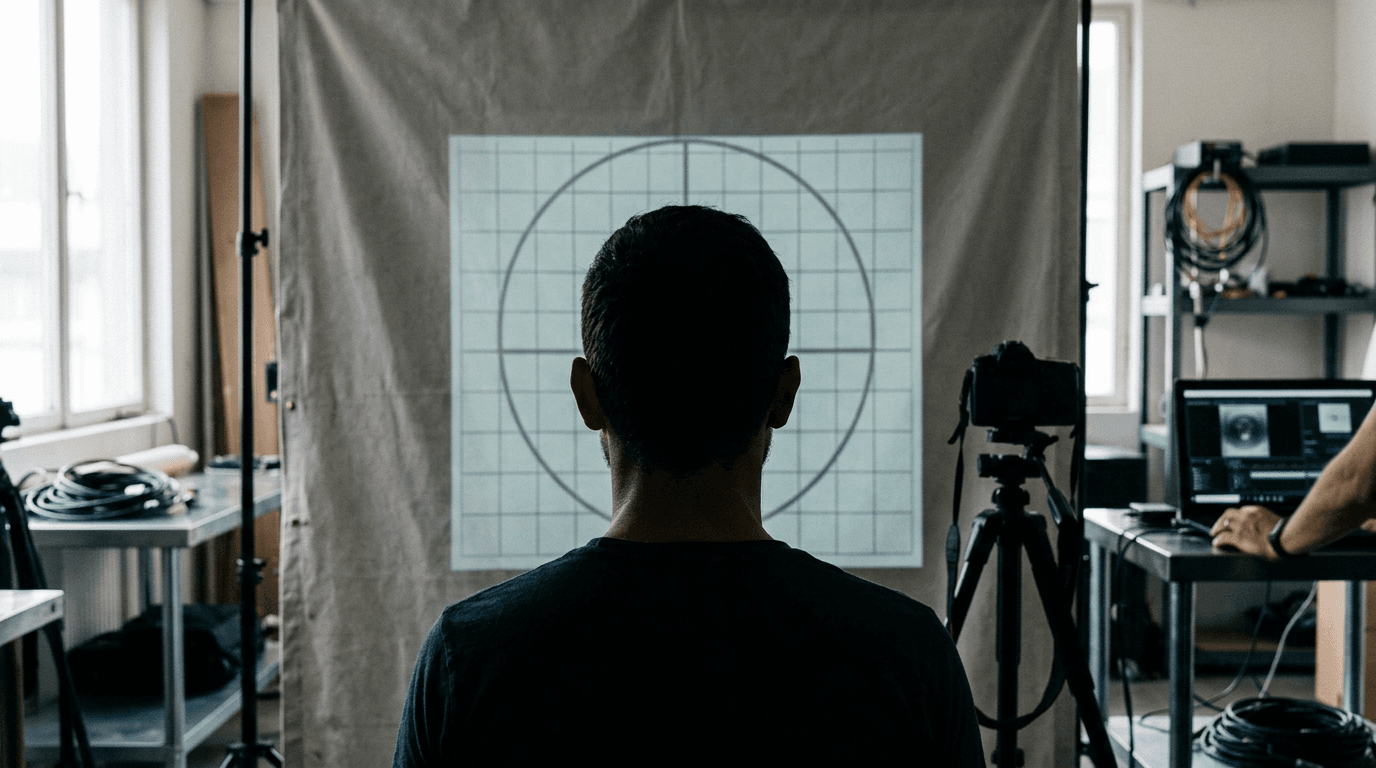
Most applicants assume a rejected travel document application failed because the subject was not looking perfectly straight at the camera or had a slightly awkward expression. In reality, the automated systems at HM Passport Office (HMPO) reject digital submissions primarily because the background contrast fails to map the subject's jawline against the backdrop. Securing a valid passport photo is not about capturing an aesthetically pleasing portrait; it is about providing a clean, machine-readable biometric map that will eventually be encoded into an electronic chip. The scanning algorithm looks for specific geometric ratios, distinct edge contrast, and unaltered pixel data. When you understand how the verification software processes an image, you can stage, capture, and format a file that clears the automated gates on the first attempt.
Quick Summary
A compliant UK travel image is a standardized biometric record evaluated by automated edge-detection and facial-mapping software. HM Passport Office systems require precise lighting, strict head-to-image ratios, and structurally unaltered backgrounds to generate a valid electronic chip profile for border gates.
- The vertical height of the subject's head must occupy between 29mm and 34mm of the final printed crop.
- Digital image submissions must maintain a minimum resolution of 600 pixels wide by 750 pixels high.
- Backgrounds must be plain light grey or plain cream; pure white backgrounds will cause the software to fail the jawline detection.
- Standard digital alterations, including smartphone portrait mode blur and automatic red-eye removal, invalidate the file's EXIF data.
Table of Contents
- Why the passport photo biometric crop fails first
- What the background actually does to the contrast
- How shadows and glare trigger automatic rejection
- Where infant positioning breaks the standard rules
- Which digital alterations invalidate the file
- Sizing the digital and printed file correctly
- FAQ
- Recommended Reads
Why the passport photo biometric crop fails first
When you upload a digital image to the UK application portal, the system immediately subjects the file to an automated biometric crop. This software does not evaluate the overall composition. Instead, it searches for two anchor points: the exact crown of the head (where the hair meets the background) and the lowest point of the chin.

The system calculates the vertical distance between these two points. For the software to approve the image, this facial geometry must fall within a highly specific ratio that translates to 29mm to 34mm on a physical 35mm by 45mm print. If the subject's head is too large, it breaks the upper boundary of the template, leaving insufficient negative space for the automated border control gates to calibrate the scale of the face. If the head is too small, the software lacks the pixel density required to map the distance between the pupils, which is the primary metric used by facial recognition software at airport e-gates.
The most common failure mode here is the camera distance. Smartphone lenses are typically wide-angle, meaning they distort objects that are placed too close to the lens. If you hold the device only a few inches from the subject's face to fill the frame, the lens distorts the nose and pushes the ears backward out of the visible plane. The software detects this structural distortion and rejects the upload for geometric invalidity.
To pass this automated crop, the camera must be positioned approximately 1.5 meters (about 5 feet) away from the subject. This distance flattens the facial features into an accurate orthographic projection. You must capture the subject from the mid-chest up, leaving plenty of space above the head. The HMPO software is designed to find the face within a wider shot and crop it down automatically. Providing a wider initial frame gives the algorithm the raw data it needs to execute a precise, mathematically correct crop.
What the background actually does to the contrast
One of the most frequent errors applicants make is assuming that the cleanest, brightest background is the best choice. Reviewing the Baby Passport Photo Requirements by Country reveals that while many global standards demand a pure white background, the UK explicitly forbids it. HMPO systems require a plain light grey or plain cream backdrop.
This distinction is entirely functional. The biometric scanning software relies on edge detection to map the exact boundary where the subject ends and the background begins. If a person with pale skin, white hair, or a light-colored shirt is photographed against a pure white wall, the edge-detection algorithm cannot locate the structural boundary of the shoulders or the jawline. The contrast ratio drops to zero, and the system registers the image as missing anatomical data.
Light grey and cream provide a baseline mid-tone. This mid-tone ensures that both very dark and very light physical features stand out with high mathematical contrast. The software requires a flat, uniform field behind the subject to calibrate its white balance and exposure readings. If the background features a heavily textured surface - such as a stippled ceiling, textured wallpaper, or a draped fabric with deep folds - the image processor interprets those textures as high-frequency noise. This noise disrupts the algorithm's ability to isolate the subject.
You can test a background before shooting by capturing a test frame of the wall alongside a standard sheet of white printer paper. If your intended background matches the brightness and color of the paper, it is too white for a UK application. The wall should distinctly register as a darker, cooler grey or a warmer cream next to the stark white paper.
How shadows and glare trigger automatic rejection
Lighting an application image is about eliminating variables that the software might mistake for physical features. Shadows and glare are not aesthetic flaws in this context; they are false biometric data.
There are two types of shadows that ruin an upload: cast shadows and drop shadows. Cast shadows occur on the face itself. If a light source comes exclusively from one side or directly from above, it casts deep shadows under the nose, within the eye sockets, and beneath the chin. The HMPO software reads a shadow under the nose as an invalid upper lip boundary, or a shadow across the eye as a structural anomaly. Both result in immediate rejection. Drop shadows occur on the background behind the subject. When a person stands directly against a wall, their body blocks the ambient light, creating a dark outline on one side. The edge-detection algorithm struggles to differentiate the dark hair from the dark shadow, merging the two into an unrecognizable shape.
Practical rule: Position the subject facing a natural light source, such as a large window, while ensuring they stand at least half a meter away from the background wall to allow drop shadows to fall out of the camera's frame.
Glare presents the opposite problem. When a concentrated light source, like a smartphone flash, bounces off oily skin or reflective surfaces, it creates completely blown-out highlights where the pixel data is pure white. If a patch of glare sits on the forehead or the bridge of the nose, the software registers a hole in the biometric map. This is also why HMPO completely banned glasses in application images. Even anti-reflective coatings produce micro-glares that obscure the exact position of the pupil, which is the most critical measurement in the entire biometric profile.
Where infant positioning breaks the standard rules
Capturing an image of a young child introduces mechanical variables that adult guidelines do not account for. The UK provides specific exemptions for age, but navigating the passport photo guidelines uk requires understanding exactly which rules flex and which remain rigid.
Children under one year old do not need to have their eyes open. If the infant is awake, they should ideally be looking generally forward, but a sleeping infant is perfectly acceptable. Furthermore, children under six years old are exempt from the requirement to look directly at the camera lens, and they do not need to maintain a completely neutral expression. However, the core requirement - that the child must be the only subject in the frame, clearly separated from the background - is absolute.
The invisible hand problem
Parents often instinctively support a wobbly infant with their hands during a photo attempt. If any part of a parent - a finger supporting the neck, a wrist behind the ear, or a piece of an adult's shirt sleeve - appears anywhere in the frame, the image is void. The HMPO algorithm is programmed to reject any file containing secondary human features. You cannot hide your hand behind the baby's clothing if the pressure of your grip visibly distorts the fabric or the infant's posture.
Managing the flat-lay setup
Because an infant cannot sit unsupported against a wall, the standard approach is to lay them on their back. Preparing this setup is often the most difficult part of the process, which is why a dedicated United Kingdom Baby Passport Photo Guide focuses heavily on staging the environment before the camera even opens.
Stretch a plain light grey or cream sheet over a firm surface, such as a mattress or the floor. Ensure the sheet is pulled taut; wrinkles create shadows that the software will flag as background noise. Photograph the infant from directly above, ensuring the camera lens remains perfectly parallel to the floor. If you angle the camera slightly upward from the baby's feet or downward from their crown, you introduce perspective distortion, altering the measurable ratio of the forehead to the chin. If the child's head lolls to the side, roll a small towel and place it beneath the sheet to create a hidden bumper that straightens their posture without being visible to the camera.
Which digital alterations invalidate the file
Modern smartphones are designed to heavily process images to make them look better, which is exactly what a true passport format photo must avoid. When you capture a file, the camera embeds EXIF data - hidden metadata that records exactly how the image was constructed and modified. HMPO systems scan this data before they even analyze the visible pixels.
The most common failure mode here is computational background blur, typically labeled as "Portrait Mode" on modern devices. This feature does not optically blur the background; it uses software to identify the subject and artificially applies a blur to everything else. This process is imperfect. It frequently blurs wisps of hair, the edges of ears, or the shoulders into the background. When the UK's forensic checks evaluate the file, the edge-detection algorithm spots the rapid, unnatural fall-off in focus and tags the image as structurally manipulated.
Similarly, manual background removal tools usually invalidate the submission. If you photograph a subject in a cluttered room and use an editing application to erase the background and replace it with a flat grey block, the software leaves digital artifacts. The pixels along the jawline will carry remnant colors from the original room, and the EXIF data will flag the file as edited. Users struggling with device-specific auto-enhancements often consult a Help Center to understand how to disable HDR, skin smoothing, and semantic rendering on their specific camera model before shooting.
Practical rule: Use the standard photo mode on your device, turn off the flash, disable all automatic beauty filters, and rely entirely on physical staging rather than post-capture cropping or editing.
Sizing the digital and printed file correctly
The UK accepts both digital uploads and physical printed submissions, but the specifications for the two mediums are entirely distinct. You cannot apply digital rules to a physical print, nor can you measure a digital file in millimeters.
| Specification | Digital Upload | Printed Photo Submission |
|---|---|---|
| Dimensions | Minimum 600 pixels wide x 750 pixels high | Exactly 35mm wide x 45mm high |
| File Size / Medium | 50KB to 10MB (JPEG or JPG only) | High-quality photographic paper |
| Head Height Ratio | Auto-calculated by HMPO portal | 29mm to 34mm (crown to chin) |
| Background Color | Plain light grey or plain cream | Plain light grey or plain cream |
| Alterations | Unedited EXIF data required | Unedited, no digital background replacement |
When applying online, you must provide the raw, uncropped file. The digital portal requires a minimum resolution of 600 by 750 pixels, but the file size must remain under 10MB. The system handles the exact sizing.
However, if you are submitting a paper application or applying for a visa that requires physical documents, the print must measure exactly 35mm wide by 45mm high. On this physical print, the biometric head ratio is your responsibility: the distance from the top of the head to the chin must measure between 29mm and 34mm. Printing at home on standard paper is not accepted; the image must be developed on high-quality photographic paper with a minimum resolution of 300 DPI (dots per inch) to ensure the microscopic details of the iris and skin remain legible. Using a reliable Baby Passport Photo Maker bridges the gap between digital capture and physical output by formatting the file into a standard 4x6 inch print template that can be developed at any local kiosk, ensuring the 35x45mm crop remains perfectly scaled.
FAQ
Can I wear glasses in my UK passport photo?
No. The HMPO completely banned glasses in all application images to prevent glare on the lenses and to ensure the software has an unobstructed map of the orbital bone and pupil placement.
Does an infant need their eyes open for the photo?
Children under one year old do not need their eyes open. If they are awake, they should look forward, but closed eyes are entirely acceptable and will not trigger a biometric rejection.
Are the UK rules identical to other Commonwealth countries?
No, they vary significantly by region. For instance, reviewing an Australia Baby Passport Photo Guide shows entirely different tolerances for background colors, head sizing ratios, and facial expressions compared to the UK.
What happens if my digital upload is rejected?
The application is paused. You will receive an automated email detailing the specific error (e.g., "image too dark" or "background not plain"). You can then capture and upload a new, compliant image through the portal without paying the application fee a second time.