foto per permesso di soggiorno: How to Get Compliant ID Photos for Permits and Electronic IDs
If you have ever had an application packet accepted at the counter and then stalled because of the photo, you already know the annoying part: the image can look perfectly fine to a parent, a clerk, or even a pharmacy print kiosk, and still fail on format, head size, background, or print quality. That is especially common when people reuse a selfie-style image for foto per permesso di soggiorno, an electronic ID card, and a passport without checking that those requirements really match.
Quick Summary
Compliant ID photos for residence permits and electronic identity cards are not just "small portrait photos." They must match the document's required size, framing, background, print quality, and expression rules. The safest process is to confirm the target document first, capture a neutral, well-lit image, then verify crop and output before submission.
- Start with the document type, not the photo you already have
- Check size, background, and head framing before printing or uploading
- Do not assume one image works for every permit, passport, and ID use
- Most rejections come from crop, shadows, and low-quality prints, not from obvious mistakes
Table of Contents
- Quick Summary
- Table of Contents
- The photo fails when you treat every document as interchangeable
- Common Pitfalls & Troubleshooting
- Some applicants should not reuse the same photo across documents
- FAQ
- Recommended Reads
The photo fails when you treat every document as interchangeable
1. Confirm the exact document and submission route before taking the photo
The first decision is not camera, lighting, or whether to print at home. It is which document the photo is for and how it will be submitted. A residence permit process, an electronic identity card process, and a passport application can overlap in style, but they are not identical by default. That is where people lose time - they assume one picture works for everything before checking what "everything" means.
For example, readers searching foto per carta d'identità elettronica are often dealing with a different workflow from somebody preparing a passport packet. One office may need printed photos; another may accept a digital file produced to a specific standard; another may be strict about recentness even when the format looks correct. If the application involves a child, parents also need to check whether expression, eye visibility, and head support rules are interpreted tightly for that document type.
2. Build a setup that gives the software and the clerk less to reject
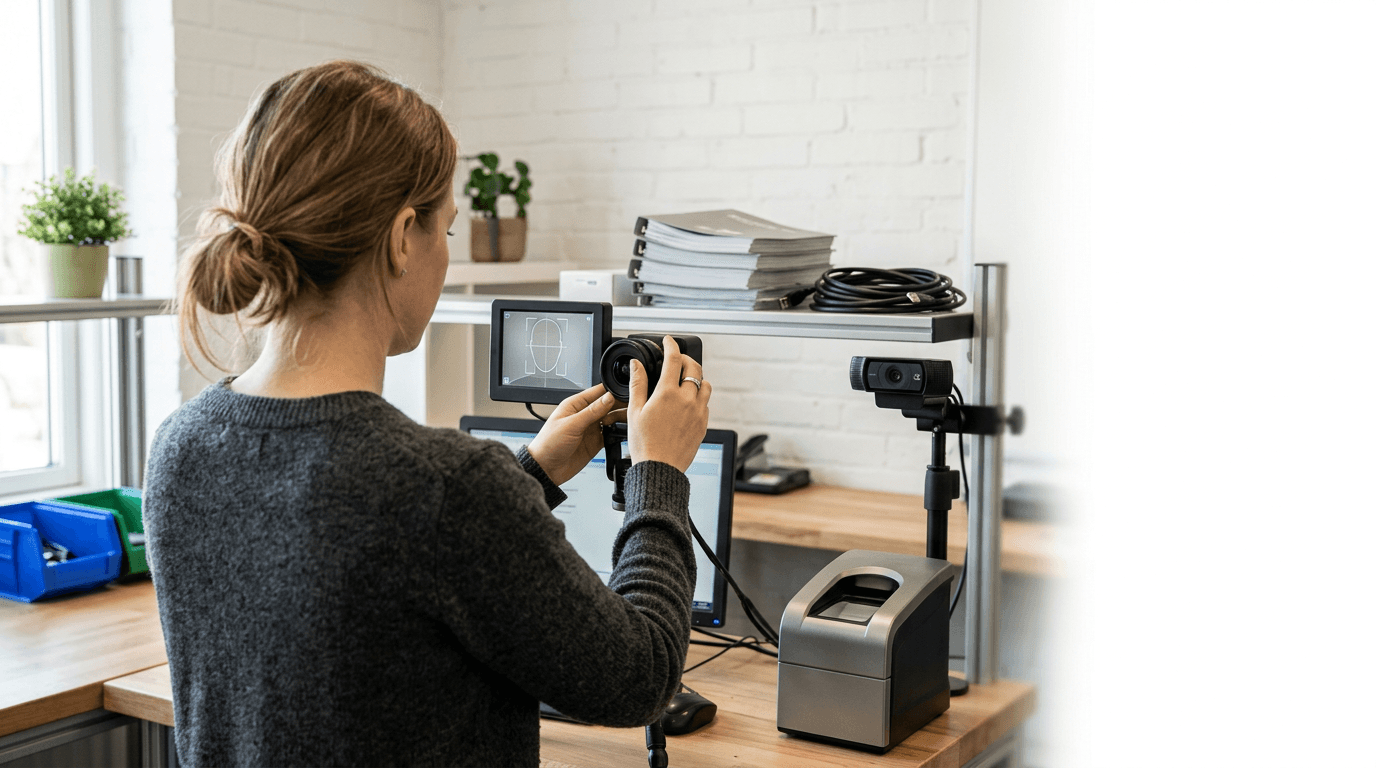
A compliant ID photo starts long before cropping. The capture setup decides whether edges are clean, skin tones stay believable, and the background separates from the subject without leaving halos or gray shadows. Most failures blamed on "the system" actually begin with a poor source image.
3. Capture the image with biometric framing in mind, not aesthetics
This is where people trained by phone photography habits make the wrong call. A document photo is not supposed to look cinematic, flattering, or casual. It is supposed to make your face easy to measure and easy to compare. That means straight posture, neutral expression, eyes open, mouth closed unless an age-related exception realistically applies, and a head position that is square to the camera.
4. Check the output against the destination document, not against memory
Once you have a good source image, verification matters more than editing flair. The job here is to confirm dimension, aspect ratio, background cleanliness, head size, and output type against the document you are actually applying for. This is the stage people rush because the photo already looks official enough.
5. Print or export in the format the office will actually accept
A technically correct image can still be rejected at the last meter because of output problems. The usual failures are soft prints, incorrect paper finish, home-printer color shifts, badly cut edges, and digital files compressed too heavily before upload.
Common Pitfalls & Troubleshooting
Several different failures look the same from the outside: the office simply says the photo is not acceptable. The most common real cause is incorrect crop or head proportion.

Some applicants should not reuse the same photo across documents
My view is simple: reuse is fine only when the specification and submission route truly align. If they do not, reusing a photo is usually false efficiency.