Come fare una foto formato tessera e 3 migliori app per smartphone del 2026
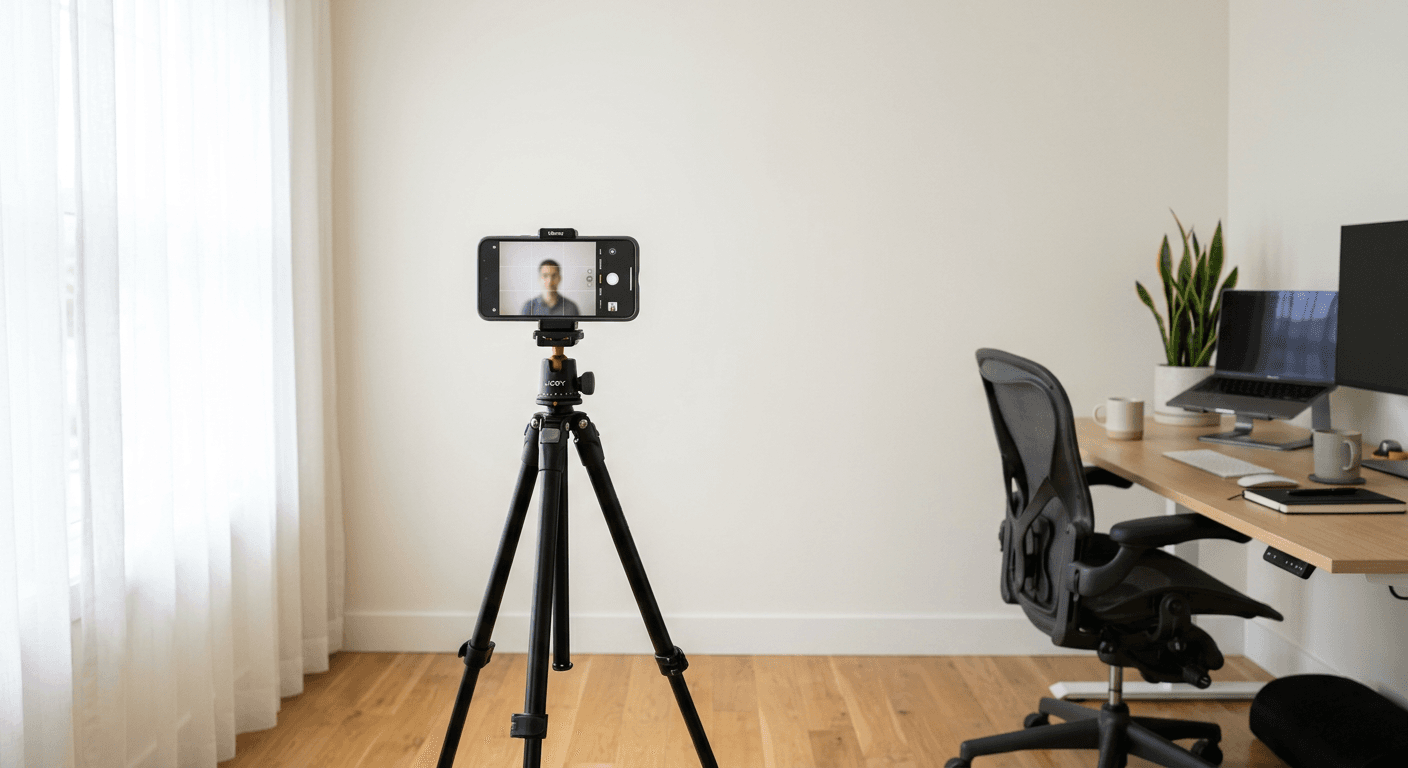
Taking a professional-grade identification photo at home has become a practical alternative to visiting a studio, especially for parents managing documents for infants. Modern biometric requirements are strict, but with the right approach to lighting, framing, and digital processing, you can successfully navigate the process without specialized equipment. Understanding how to manage these variables ensures your submission meets government standards without the hassle of queues or waiting times.
Quick Summary
Creating a compliant photo for identification requires a plain background, neutral lighting, and a neutral facial expression. To achieve this, you must follow official geometric guidelines for head size and eye position while using AI-powered tools to automate the technical verification process for your specific country's requirements.
- Ensure even, shadow-free lighting to prevent rejection.
- Use AI tools to automate background removal and cropping.
- Verify the digital output matches specific government pixel dimensions.
Table of Contents
- Quick Summary
- Comparison of Identification Photo Apps
- PhotoAiD
- Smartphone iD
- Passport Photo Online
- How to Choose the Right Tool
- FAQ
- Recommended Reads

Comparison of Identification Photo Apps
| Feature | PhotoAiD | Smartphone iD | Passport Photo Online |
|---|---|---|---|
| Key Focus | AI Verification | Human & AI Check | Web/Mobile Utility |
| Best For | Fast Compliance | Verified Accuracy | Convenience |
| Pros | High automation | Dual-verification | Cross-platform |
| Cons | Digital-only focus | Regional focus | Subscription costs |
PhotoAiD
PhotoAiD utilizes advanced algorithms to assist users in preparing biometric photos. The system is designed to handle the cropping and background segmentation necessary to comply with various international standards. By uploading a smartphone capture, the platform evaluates the image against typical biometric criteria, such as head positioning and facial expression.
- Pros:
- Automated verification of biometric standards.
- Simplifies the process of head-size calibration.
- Cons:
- Requires high-quality source images for best results.
- Focused primarily on digital output and printing templates.
Smartphone iD
Smartphone iD focuses on providing a compliant identification photo experience that combines software-based AI checks with human verification. This dual-layer approach is specifically structured to help users adhere to local regulations, including specific standards used in Italy. The application guides the user through the capture process to minimize common mistakes like glare or improper framing.
- Pros:
- Includes a human-review step for added confidence.
- Tailored for specific regional compliance needs.
- Cons:
- Processing time may vary compared to fully automated tools.
- Dependency on app interface for image management.
Passport Photo Online
Passport Photo Online serves as a versatile web and mobile tool aimed at users who need to generate and format official photos quickly. The service focuses on the transformation of raw smartphone images into correctly proportioned identity documents. It streamlines the technical requirements, allowing users to select the country of application to ensure the final output matches the required dimensions.
- Pros:
- Highly accessible across both web and mobile devices.
- Efficient formatting for standard passport and visa sizes.
- Cons:
- Features may require premium access for full functionality.
- Limited control over manual adjustments once processed.
How to Choose the Right Tool
Selecting the appropriate tool depends on your technical comfort level and the specific requirements of the document you are preparing. Most users should look for platforms that offer automated background removal and, if possible, a verification step that highlights potential compliance issues like shadows or poor contrast. It is essential to ensure that the chosen service supports the specific photo dimensions required by the passport office of the country for which you are applying.
When preparing to take the photo, prioritize a location with natural, diffused light to avoid harsh shadows on the face or the backdrop. A plain, light-colored wall is usually sufficient, provided it is free of distracting items. The goal is to create a clean, high-contrast image where the features are clearly visible. If you are struggling with a specific format, consult a New Zealand Baby Passport Photo Guide to understand how national standards for children differ from adult requirements.
FAQ
Can I use a regular smartphone for my passport photo?
Yes, modern high-resolution smartphone cameras are more than capable of capturing the necessary detail. The challenge lies in lighting and positioning, which AI software can help you correct during the post-processing phase.
What are the most common reasons for photo rejection?
Most rejections occur due to improper lighting, distracting backgrounds, incorrect head size, or an unnatural facial expression. Using an AI-driven tool helps identify these issues before you submit your application.
Do I need to print the photo myself?
Most digital tools provide a printable file that follows a standard 4x6 template. You can print this at any local kiosk or professional print shop that handles standard photo paper sizes.