8 Best Passport Photo Maker Tools to Create Compliant Identification Photos in 2026
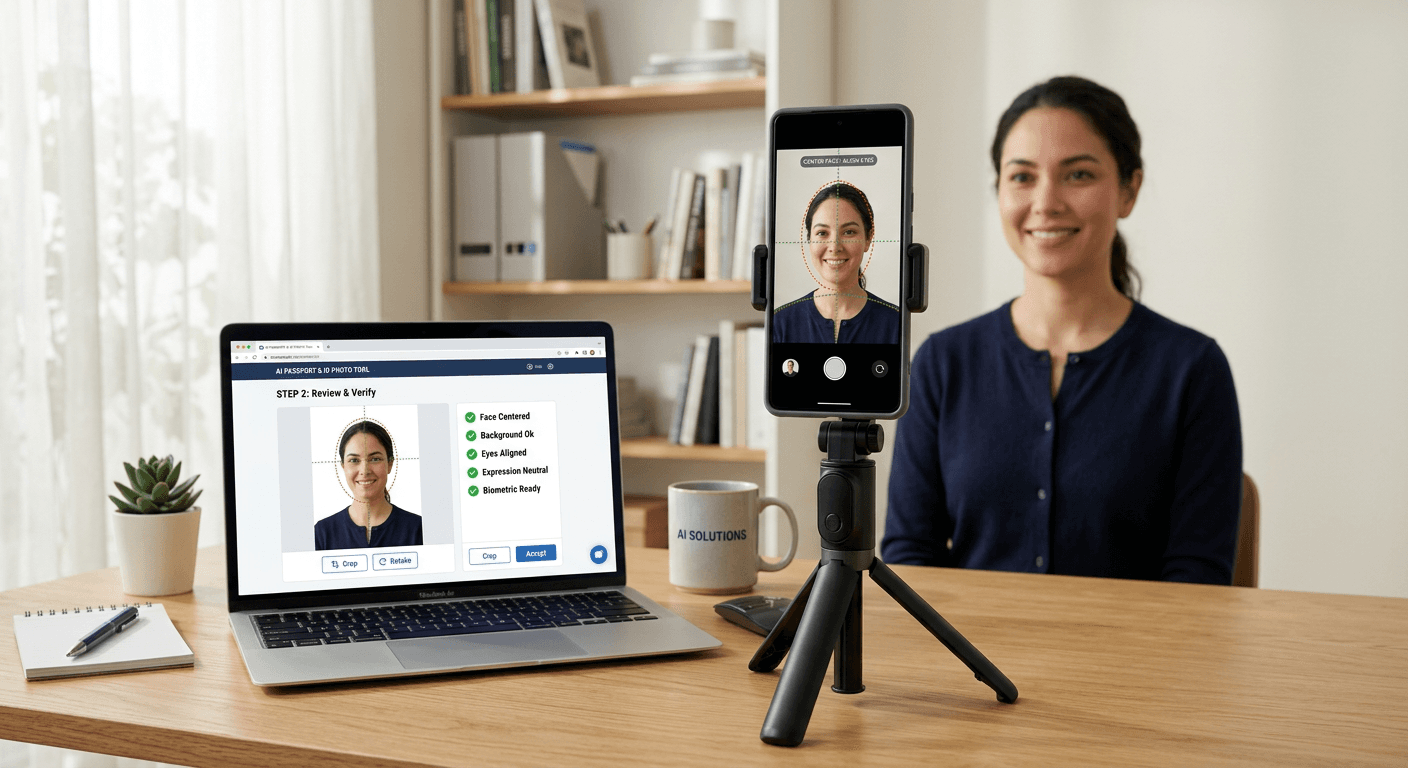
Creating a government-compliant identification image has transitioned from a task requiring a physical studio visit to a streamlined digital workflow. As travelers and applicants seek efficiency, a variety of web-based solutions have emerged to facilitate the creation of a passport photo online. These platforms leverage automated biometric checks and AI-driven image processing to ensure that portrait dimensions, background neutrality, and head positioning meet the stringent requirements of passport agencies worldwide.

Quick Summary
A passport photo maker is a specialized digital platform that utilizes AI algorithms to crop, resize, and verify images against official biometric standards. These tools allow users to convert smartphone selfies into compliant documents suitable for official travel and visa applications from the comfort of their homes.
- AI-based automated background removal and head-size calibration.
- Verification of compliance against 100+ country-specific standards.
- Instant availability of digital files and print-ready templates.
- Significant reduction in time and cost compared to traditional studios.
Table of Contents
- Comparison Table
- PhotoAid
- Visafoto
- IDPhoto4You
- Passport Photo Online
- 123PassportPhoto
- SammaPix
- Pokecut
- PhotoBooth Online
- Buying Guide: How to Choose a Passport Photo Tool
- Recommended Reads
Comparison Table
| Tool | Primary Focus | Best For | Output Format |
|---|---|---|---|
| PhotoAid | AI + Human Review | Accuracy & Reliability | Digital/Print |
| Visafoto | Automated Adjustment | Visa & Passport Specs | Digital |
| IDPhoto4You | Free Utility | Cost-conscious Users | Digital/Print |
| Passport Photo Online | AI Generation | Speed & Convenience | Digital/Print |
| 123PassportPhoto | DIY Printing | Home Printing | Print Template |
| SammaPix | Background Removal | Simple Edits | Digital |
| Pokecut | AI Optimization | Biometric Portraits | Digital |
| PhotoBooth Online | Selfie Conversion | Casual Use | Digital/Print |
PhotoAid
PhotoAid utilizes a combination of advanced AI and professional human review to ensure images adhere to strict government requirements. This hybrid approach helps identify subtle issues that automated systems might overlook.
- Pros: Offers peace of mind through professional verification; user-friendly interface.
- Cons: Requires waiting for manual review periods.
Visafoto
Visafoto is designed specifically for technical precision. It focuses on adjusting, cropping, and reformatting existing photos to meet the exact pixel dimensions and document standards required for official identification.
- Pros: Extremely fast processing; high focus on strict visa standards.
- Cons: Less emphasis on artistic enhancements for the portrait.
IDPhoto4You
IDPhoto4You is a free platform that provides an accessible way to generate photos that follow various international standards. It is a straightforward utility for those who need to make passport photo files quickly.
- Pros: Completely free to use; no account required for basic functions.
- Cons: Interface is less intuitive than paid, AI-focused competitors.
Passport Photo Online
Passport Photo Online functions as an AI-driven generation engine. It automates the background removal and sizing process, offering both digital downloads and home-delivery printing options.
- Pros: Integrated printing service; high convenience for remote users.
- Cons: Print delivery times may be longer than immediate digital download.
123PassportPhoto
123PassportPhoto serves as an online generator that simplifies the process of creating a printable page. Users select the country and document type, and the tool arranges the photos into a standard print-ready format.
- Pros: Excellent for users who already have a high-quality home printer.
- Cons: Does not provide the advanced AI background editing found in other tools.
SammaPix
SammaPix is a browser-based utility that excels in image manipulation, specifically background removal. It provides a clean, neutral background from standard home portraits, which is a key requirement for biometric acceptance.
- Pros: Fast, automated background processing.
- Cons: Limited options for advanced verification checks.
Pokecut
Pokecut utilizes AI technology to optimize portrait photos, ensuring that lighting and facial features are balanced for official biometric requirements. It targets users looking to turn casual photos into professional-grade ID images.
- Pros: Strong AI-driven facial adjustment capabilities.
- Cons: Less information provided regarding global compliance standards compared to specialized sites.
PhotoBooth Online
PhotoBooth Online converts standard selfies into formatted, compliant identification documents. It is aimed at users who need a functional photo without the complexity of professional software.
- Pros: Highly accessible for non-technical users.
- Cons: Basic feature set; best suited for standard passports rather than complex visa types.
Buying Guide: How to Choose a Passport Photo Tool
When selecting a tool to make a passport photo, prioritize platforms that offer automated biometric compliance checks. The primary challenge in obtaining a passport photo online is not just cropping, but ensuring the photo satisfies technical requirements such as head-to-chin height ratios, background uniformity, and correct lighting distribution.
Users should check if the tool provides a print-ready template. Many government agencies require physical prints if you are applying via mail or in person. A high-quality tool will generate a file formatted for standard paper sizes (like 4x6 inches), which you can then print at home or at a local pharmacy. For international travel, look for services that provide a wide range of country-specific templates to ensure the dimensions comply with your specific destination's regulations.