6 Top Passport Photo Maker Platforms for Biometric Identification in 2026
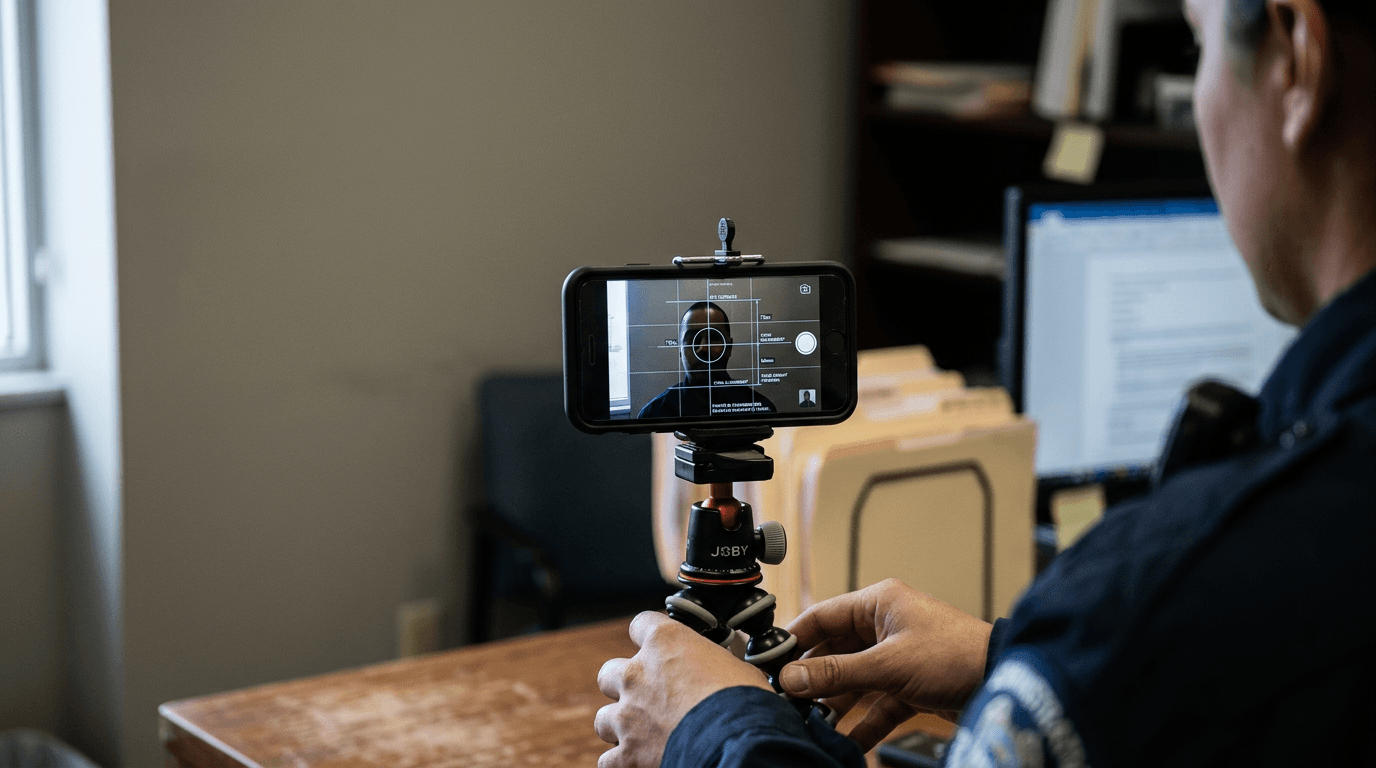
You have a squirming infant, a white bedsheet taped to a sunlit wall, and a smartphone. You have exactly three seconds before the crying starts to capture an image that a rigid government portal will accept. The difference between an approved application and a costly administrative rejection usually comes down to the software processing that capture.
The Core Mechanism Behind a Passport Photo Maker
Selecting a digital passport photo maker requires understanding how an application handles facial mapping, background replacement, and shadow detection. Government portals run automated compliance checks that instantly flag incorrect head proportions or uneven lighting. If your chosen software simply erases the background without verifying those specific geometric parameters, you absorb the risk of rejection.
Quick Summary
A digital identification image platform evaluates smartphone captures against official government biometric standards. These tools analyze facial geometry, replace non-compliant backgrounds, and format dimensions for immediate printing or digital upload. Choosing the right tool depends entirely on whether you require strict algorithmic verification or just manual cropping utilities.
- Automated applications actively detect shadows on the face and shoulders to prevent portal rejections.
- Manual templates leave the burden of verifying eye alignment and head dimensions entirely on the user.
- Processing times vary significantly, ranging from instant digital downloads to physical prints delivered via mail over several days.
- Choosing a digital-only export avoids the markup fees and shipping delays associated with physical print delivery.
Table of Contents
- The Core Mechanism Behind a Passport Photo Maker
- Quick Summary
- Table of Contents
- Comparison Table
- How to Choose: Processing Methods Explained
- 1. Passport Photo Online
- 2. MakePassportPhoto.com
- 3. PhotoGov
- 4. Canva
- 5. PhotoAid
- 6. Visafoto
- Mapping Processing Methods to Your Needs
- Recommended Reads
Comparison Table
| Product | Processing Method | Features | Pros | Cons | Target Audience |
|---|---|---|---|---|---|
| Passport Photo Online | Automated Biometric Engine | Background clearing, home delivery | Dedicated mobile app, biometric verification, physical shipping option | Costs €9.95 for physical prints, 2-3 day delivery delay, higher cost than manual apps | Applicants wanting physical prints delivered |
| MakePassportPhoto.com | Manual Template Builder | 600 dpi generation, manual cropping | Free tier available, high-resolution output, optional AI upgrade | Basic tier lacks compliance checks, requires user precision, UI can feel dated | Users with well-lit photos needing precise manual cropping |
| PhotoGov | Instant Web Formatting | Browser-based processing, automatic formatting | No app download required, instant cropping to 35x45mm, works on standard mobile browsers | Relies on user for 1.5m distance judging, lacks live guides, no dedicated mobile app | Users needing instant formatting without installing an application |
| Canva | Manual Template Builder | Automatic background removal, JPG/JPEG export | Free editing and cropping, familiar interface, seamless export options | No biometric proportion checks, no shadow detection, requires manual sizing knowledge | Design-savvy individuals familiar with their government's exact specifications |
| PhotoAid | Automated Biometric Engine | Shoulder and face shadow detection | Aggressive shadow checking, highly reviewed app, printable template delivery | $16.95 cost for a digital file, higher price tier, no physical shipping at baseline | Applicants willing to pay a premium for strict shadow verification |
| Visafoto | Instant Web Formatting | 2-second processing, preview without registration | Extremely fast rendering, no account creation required, simple data flow | Troubleshooting rejections requires restarting, minimal user support, bare-bones interface | Users needing an immediate digital preview before committing to an upload |
How to Choose: Processing Methods Explained
Searching for a reliable passport photo online yields distinct tiers of software. The primary variable separating these applications is their processing method, which dictates how much technical responsibility falls on you.
We categorize these platforms into three exact processing methods:
- Automated Biometric Engine: These tools actively evaluate the image against official databases. They flag poor lighting, measure the distance between the eyes, and guarantee the head size falls within strict millimeters. They manage the compliance risk for you.
- Manual Template Builder: These platforms provide a digital canvas scaled to official dimensions. They allow you to crop the image and swap out the background, but they do not alert you if the subject's head is tilted or improperly sized.
- Instant Web Formatting: These are lightweight, browser-based scripts designed for speed. They ingest an image and immediately spit out a resized file without requiring account creation or app installation, heavily prioritizing fast processing over deep biometric analysis.
Practical rule: Never evaluate a platform solely by its ability to turn a background white; if the software cannot actively flag shadows on the subject's shoulders or face, you still carry the entire risk of application rejection.
When cross-referencing these methods, consult specific government guidelines. For example, applying a template meant for Europe will cause a rejection in North America. Reviewing a resource like the United States Baby Passport Photo Guide helps clarify exactly which dimensions an Automated Biometric Engine must target.
1. Passport Photo Online
When an embassy application portal kicks back a selfie due to uneven background lighting, families scramble for immediate, verified corrections. Passport Photo Online operates as an Automated Biometric Engine, and it should not be compared against basic graphic editors that merely provide cropping overlays. It evaluates the raw image, crops it, cleans the background, and verifies the final output against official metrics.

According to its published pricing, the platform charges €9.95 for printed Italian passport-size photos with home delivery, while offering a digital US passport photo tool for €6.99 that adjusts color, contrast, and exposure. This heavy reliance on a dedicated mobile application is reflected in its user base, boasting 17,952 reviews on its app store rating.
Broad Availability Disguises a Premium Price Tag
The commercial reality of physical delivery creates a clear limitation. Shipped prints are delivered to your door in 2-3 business days. If your embassy appointment is tomorrow morning, waiting for the postal service renders the physical print option entirely useless. What would make me hesitate is paying the premium for physical delivery when local pharmacies print digital templates immediately for pennies.
Purchase this service if you require physical prints delivered directly to your home and have the schedule flexibility to wait several business days.
Pros
- Adjusts exposure and contrast automatically.
- Provides a dedicated application environment.
- Delivers physical prints to your door.
Cons
- Physical delivery introduces a multi-day wait.
- Digital file pricing is higher than basic web formatting.
- Requires installing a mobile app for the smoothest experience.
2. MakePassportPhoto.com
According to its published plan comparison, the basic tier of MakePassportPhoto.com allows users to manually crop and download passport photos for free. Functioning specifically as a Manual Template Builder, this tool should not be evaluated against software that guarantees biometric compliance. It relies on the user to upload a well-lit image and manually align the face within digital guidelines.
The platform generates digital passport photos suitable for 600 dpi printing, ensuring the pixel density remains sharp enough for official physical documents. For those who want more software assistance, the AI Automatic plan costs $2.99, which provides automatic background replacement and face positioning.
Manual Control Demands Photographic Discipline
The fundamental boundary here sits within the free tier. Because the unpaid version lacks active compliance checks, it pushes all technical responsibility onto the user. If your subject is looking slightly away from the lens or casting a shadow across their neck, the free tool will not stop you from printing a flawed image.
Opt for this utility when you already possess a perfectly lit, properly framed photograph and only need an exact crop for a high-resolution print.
Pros
- Allows completely free manual cropping.
- Supports high-density 600 dpi export.
- Offers an inexpensive automated upgrade path.
Cons
- Free tier provides no biometric feedback.
- User absorbs the risk of manual misalignment.
- Upgrading is required for background replacement.
3. PhotoGov
Do I need to install another heavy application just for one picture? PhotoGov answers this by operating entirely as an Instant Web Formatting tool. It completely circumvents app stores, meaning it should not be compared against comprehensive desktop suites or heavy mobile downloads. The passport photo tool can be used directly in a mobile browser on iOS or Android with no app download required.
The platform automatically crops and formats images to the 35x45mm size required for Italian passports. To achieve this, the software explicitly instructs users to stand 1.5 to 2 meters away from the camera when capturing the photo, ensuring the algorithm has enough physical distance to map the face correctly.
Browser Based Tools Require Pristine Camera Inputs
The reliance on physical distance without live camera framing creates a distinct vulnerability. Because you are using a standard mobile browser, the tool cannot project a live alignment grid over your camera interface before you take the shot. You must judge the 1.5-meter distance accurately yourself, take the picture, and upload it blindly to see if the script accepts it.
Choose this web portal if you refuse to install single-use applications and need immediate formatting directly through a mobile browser.
Pros
- Runs completely inside a mobile browser.
- Automatically formats to exact 35x45mm dimensions.
- Bypasses the need for app store downloads.
Cons
- Lacks live on-screen camera guides.
- Relies on the user accurately judging physical distance.
- Browser environment limits advanced editing options.
4. Canva
Bypassing single-use applications entirely often appeals to users who already manage their digital lives in existing graphic design suites. Canva is a Manual Template Builder at its core, and it must not be compared to dedicated biometric engines. While it is a massive graphic design platform with an online photo editor, users can configure it to create compliant biometric passport photos if they know the exact specifications.
The platform enables users to crop, edit, download, and print passport photos for free. Upon upload, it automatically removes the image's background and replaces it with a white background. Finished ID photos can then be exported in standard JPG or JPEG file formats.
Graphic Design Tools Lack Biometric Awareness
The structural limit of leveraging a general design tool is its total blindness to biometric rules. It will cleanly strip away a background, but it does not know if a shadow is obscuring an ear, nor does it measure the distance from the chin to the crown of the head. I would hold off on this approach if you are submitting a foto passaporto online to a strict European portal and are unfamiliar with exact millimeter requirements.
Deploy this design software if you are fully conversant with your government's specific geometric rules and simply require a fast, clean background swap.
Pros
- Familiar interface for existing users.
- Background removal functions smoothly.
- Allows free exporting in standard formats.
Cons
- Completely lacks biometric proportion checking.
- Cannot detect problematic shadows on the subject.
- User must manually build the correct document dimensions.
5. PhotoAid
Unlike general graphic editors that simply drop a white layer behind a subject, biometric photography software actively evaluates the face itself. PhotoAid is an Automated Biometric Engine that prepares photos for travel documents and visas, meaning it should not be judged alongside basic manual cropping utilities. Its primary mechanism is an AI algorithm built to check if there are shadows on the shoulders, face, or background.

This level of algorithmic scrutiny comes with specific commercial terms. The platform charges $16.95 for a digital passport photo along with a printable template delivered via email. Despite the premium pricing, it maintains significant market traction, holding an app store review volume totaling 11,788 reviews.
Algorithmic Strictness Prevents Portal Rejections
The barrier here is entirely financial. Paying $16.95 strictly for a digital file and an emailed template is notably expensive compared to alternative platforms that perform similar digital formatting for less than half the price. When processing applications for a family of four, the per-file cost compounds rapidly into a significant expense.
Invest in this specific application when aggressive shadow detection and absolute biometric confidence are worth paying a premium price.
Pros
- Actively searches for shadows on the face and shoulders.
- High volume of verified app store reviews.
- Delivers a printable layout alongside the digital file.
Cons
- Extremely high cost for a purely digital export.
- No physical prints included at the base price tier.
- Premium pricing scales poorly for large families.
Practical rule: Before paying for a digital template export, verify exactly what format your local pharmacy kiosk requires for printing; providing a digital file is useless if the kiosk only reads specific aspect ratios.
6. Visafoto
An uploaded portrait is ingested, measured against official dimensions, and returned as a formatted identification image in seconds. Visafoto exemplifies Instant Web Formatting. It operates purely as a fast online identification photo service that processes selfies into formatted passport or visa images, making it fundamentally different from heavy, feature-rich editing suites.
The system is engineered around throughput. It processes and delivers the formatted passport image in approximately 2 seconds. Furthermore, it allows users to generate and preview their results without requiring prior registration, removing the friction of account creation before proving the software actually works.
Speed Prioritizes Technical Execution Over Support
The direct trade-off for this lack of friction is the inability to save progress. Because the platform allows preview generation without registration, a dropped connection or an accidentally closed browser tab means your work vanishes. Troubleshooting a rejected preview requires starting the upload and formatting process entirely from scratch.
Select this web service when you need a compliant digital preview generated immediately before committing to an official document upload.
Pros
- Delivers formatted results in roughly two seconds.
- Requires no registration to generate a preview.
- Highly streamlined data ingestion process.
Cons
- Lacks account saves for troubleshooting issues.
- Interface prioritizes speed over detailed user guidance.
- Accidental browser closures wipe all progress.
Mapping Processing Methods to Your Needs
Understanding how these tools process data prevents wasted effort. Your choice hinges on your technical confidence and how quickly you need the final file.
If you require absolute certainty before uploading to an embassy portal, prioritize an Automated Biometric Engine. These platforms actively protect you from the most common rejection reasons: poor lighting and incorrect head proportions. The algorithms act as a strict gatekeeper, ensuring that what you submit will pass official scrutiny, even if that certainty comes with a higher price tag or app installation requirements.
When you possess professional lighting and want total control over the crop, a Manual Template Builder is sufficient. Many platforms advertise a free passport photo online, but these entry-level tiers usually rely entirely on manual alignment. They work perfectly if you already understand the technical specifications for your specific country and only need a clean digital canvas to build the final document. Reviewing local guidelines, such as reading through a United Kingdom Baby Passport Photo Guide, is mandatory before taking this route.
If you refuse to download heavy applications for a single use, lean on Instant Web Formatting. These browser-based scripts exist for immediate utility. They format the dimensions quickly without forcing you into an ecosystem, making them ideal for users applying from mobile devices who just need the file resized immediately. Just ensure your original capture is taken at the appropriate distance.