6 Passport Photo Maker Tools Compared for 2026
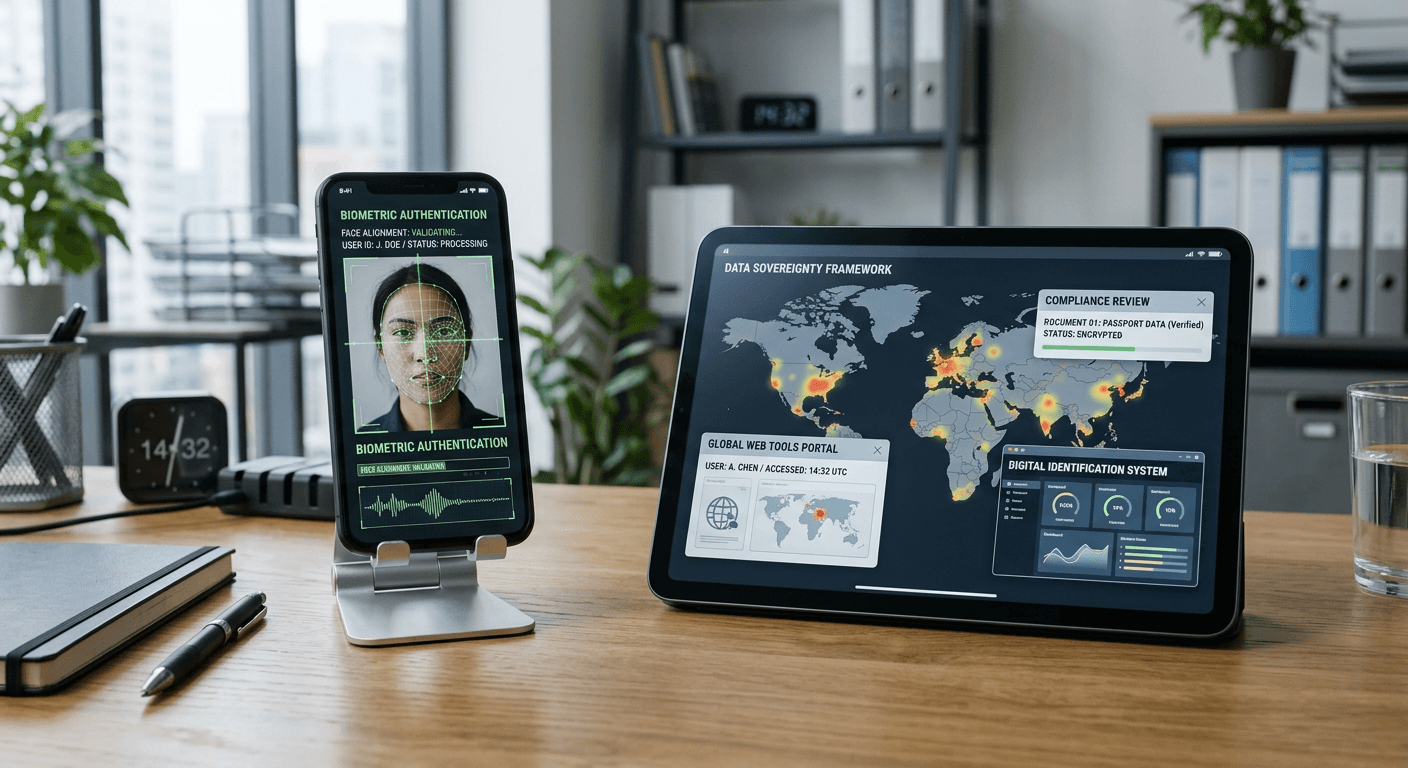
You upload a meticulously lit portrait to a government portal, only to hit a hard rejection on head-to-image ratio. The automated scanning system flags the chin position as a millimeter out of bounds, sending the application back to the start of the queue. Finding a reliable passport photo maker is rarely about capturing a flattering angle; it is about navigating biometric specifications that change depending on the destination. Relying on smartphone cameras has replaced the photo booth, but it places the burden of compliance entirely on the applicant's software choices.
Quick Summary
A digital biometric photo processor evaluates, crops, and formats raw portrait images to meet exact government specifications for travel and identity documents.
- Automated processors check ratios instantly against official databases.
- Human-in-the-loop services catch subtle shadows that algorithms miss.
- Manual tools require the user to understand country-specific dimensions.
- Free tiers often restrict background removal or high-resolution exports.
Table of Contents
- Comparison Table
- How to Choose the Right Tool
- 1. PhotoAiD
- 2. Passport Photo Online
- 3. IDPhoto4You
- 4. Photocity
- 5. Fotor
- 6. MakePassportPhoto.com
- Matching Your Workflow
- Recommended Reads
Comparison Table
| Product | Processing Autonomy | Features | Pros | Cons | Target Audience |
|---|---|---|---|---|---|
| PhotoAiD | Algorithmic Assistance | AI background removal, automated compliance checks | Fast delivery, high TrustScore rating, solid guarantee | Print delivery doubles cost, strictly automated, rigid pricing | Applicants needing fast digital clearance |
| Passport Photo Online | Full-Service Verification | Dual-layer review, free 4x6 template | Expert human review, 200% guarantee, handles edge cases | High digital price point, slower than pure AI, premium gated | Visa applicants facing complex background rules |
| IDPhoto4You | Manual Control | Browser-based cropping, 73 country templates | Completely free, no hidden paywalls, localized data processing | Lacks AI auto-cropping, requires user precision, basic interface | Budget users willing to align manually |
| Photocity | Manual Control | High-volume printing, physical delivery | Very low print cost, free print for new users, trusted provider | Requires pre-formatted files, localized to Italy, no AI check | Families requiring multiple physical copies |
| Fotor | Manual Control | Broad editing suite, pre-configured ratios | Unlimited free edits, multi-platform apps, strong graphic tools | No biometric verification, generalized interface, easy to misalign | Designers fixing exposure before formatting |
| MakePassportPhoto.com | Manual Control | Lighting adjustment, dimension templates | Fixes underexposure, free manual crop, web-based | No automatic background removal, prone to user error, strict limits | Users with poor source lighting |
How to Choose the Right Tool
The digital landscape for biometric editing separates into three strict categories of Processing Autonomy. Recognizing which tier fits your application dictates whether you spend seconds or hours preparing the file.
The first category is Full-Service Verification. These pipelines integrate a human expert behind the software layer. An algorithm performs the initial crop and background segmentation, but a trained operator reviews the final file to catch soft shadows under the chin or glare on eyeglasses that automated systems routinely miss.
The second category is Algorithmic Assistance. These tools remove the human element entirely, relying on edge-detection software to separate the subject from their environment and apply mathematical overlays to check the crown-to-chin distance. They are fast but fail rigidly when the source image contains complex backgrounds or uneven lighting.
The third category is Manual Control. These platforms supply the digital grid but leave the execution to the user. You drag the nodes, align the eyes, and clear the background yourself. Finding a free passport photo online typically means dropping into this category, trading automation for manual effort.
Practical rule: Never evaluate a processing tool by its interface speed; assess it entirely on its background segmentation accuracy around hair and shoulders, as this is where biometric rejections most frequently occur.
Cross-referencing the rules with a comprehensive compliance guide covering 100+ countries ensures you know what ratios your chosen software must output before you pay for the final file.
1. PhotoAiD
How does an algorithm handle messy backgrounds? Applicants feed raw smartphone images into PhotoAiD. The digital processor returns cleared files in seconds. Featuring a 4.5 TrustScore on Trustpilot from 13,000 reviews, digital files cost €5.95. I would hold off on this tool only if the raw image features severe shadows. Such deep shadows confuse the algorithm. Buyers leveraging Algorithmic Assistance must provide a well-lit input to perform background segmentation effectively.
The software operates by running contrasting edge detection to isolate the subject. Once the background is replaced with the mandatory white or off-white layer, the system applies head-size calibration against official database metrics. A digital file cleared through this process requires payment according to its published pricing. It provides a compliance acceptance guarantee, refunding the user if the government portal rejects the mathematical output.
Algorithmic screening isolates technical faults immediately
The financial barrier scales up significantly when physical copies enter the workflow. Opting for a printed version of the biometric photos, including home delivery, increases the total cost. This price jump alters the value proposition for families needing multiple sets. If you are handling documentation for a newborn, checking the specific United States infant photo requirements clarifies whether this automated approach can handle the difficult angles typical of infant photography.
Purchase the digital tier when your application portal accepts direct file uploads and you have uniform lighting at home.
Pros
- Delivers instantaneous background segmentation
- Backed by a verified 100% acceptance guarantee
- Highly rated across thousands of user interactions
Cons
- Physical print delivery almost doubles the base cost
- Struggles with heavy shadows under the chin
- Lacks a human review layer for edge cases
2. Passport Photo Online
An automated pass followed by human review defines how Passport Photo Online processes images. Visa applicants facing complex documentation use this pipeline to ensure human eyes evaluate the final output before submission. Applicants needing Full-Service Verification rely on this combination of software speed and manual oversight to secure their output. I would hold off if the task is a simple local ID renewal due to the associated costs, though the model remains valuable for high-stakes visas.
When a file enters this system, artificial intelligence strips the background and centers the face. Following the automated pass, a human expert evaluates the file to catch glare, asymmetry, or exposure issues that might trigger a bureaucratic rejection. The platform charges a premium for this comprehensive digital file featuring both automatic correction and expert review. For users who only need a formatting layout, the platform offers a free option to generate a standard printable template, provided the user uploads a photo already shot on a white background.
Dual-layer checks secure the compliance guarantee
The premium price tag limits this tool's utility for high-volume family renewals. Outfitting an entire family becomes a significant expense. However, earning a 4.8 Trustpilot rating across 21,000 reviews, a cleared digital image costs $16.95. The platform also features a money-back guarantee if the generated photos are rejected by authorities. The high stakes of international travel often justify this premium. British standards, for example, have distinct background rules detailed in the UK baby photo guidelines, which a human reviewer can verify more reliably than strict software.
Commit to this premium verification pipeline if your travel timeline cannot accommodate the delay of a rejected application.
Pros
- Expert human review catches algorithmic mistakes
- Generous 200% money-back failure guarantee
- Provides a free 4x6 template for pre-shot white backgrounds
Cons
- High entry price for the fully reviewed digital file
- Slower processing time due to the human loop
- Free tier requires an already compliant background
3. IDPhoto4You
Uploaded image data stays local to the browser frame while the user drags a standardized bounding box over the subject's face. IDPhoto4You is a browser-based formatting utility designed to map raw photos to specific global ratios without executing backend algorithmic processing. Operating entirely within the Manual Control category, it leaves the responsibility of biometric alignment firmly in the user's hands. What would make us hesitant to rely on this framework is a lack of understanding regarding the destination country's specific facial dimension rules.
The platform supports dimensions and templates for the passport and ID photo standards of around 73 countries. Users upload their file, select the destination country, and manually scale the crop box so the eyes and chin fall within the generated guidelines. The service is completely free to use with no hidden premium tiers or paywalls. All scaling and cropping metrics execute based on the user's mouse movements rather than AI detection.
Local processing demands operator precision
This platform lacks AI auto-cropping, which introduces a severe margin for human error. If the user misaligns the crown of the head by a few pixels, the resulting file will fail official automated scans. Those looking to make passport photo adjustments themselves must ensure they understand the exact biometric boundaries before clicking export. Commercial rules, such as those outlined in the Canadian infant photo specifications, require precise sizing that manual tools make difficult to achieve without a practiced eye.
Bookmark this page provided you have a perfectly lit original image and a steady hand for manual node alignment.
Pros
- Completely free without gated export features
- Supports specific templates for 73 jurisdictions
- Browser-based execution protects data privacy
Cons
- Total absence of AI background segmentation
- Relies completely on user precision for biometric passes
- Outdated interface complicates the manual scaling
4. Photocity
What happens when a consulate strictly requires a physical photograph? Photocity replaces the domestic inkjet printer by operating as a dedicated Italian online photo printing service that produces physical copies of pre-formatted portraits. Users wanting Manual Control choose this platform because it does not evaluate or alter the biometric data; it simply renders the file onto official photographic paper. I would hold off if the application accepts digital files, reserving this network for bureaucratic processes that still refuse digital uploads.
The service functions as a high-volume print lab. Users who have already stripped their backgrounds and aligned their faces upload the final digital file to the platform. A set of printed passport photos in the standard 3.5 x 4.5 cm format costs €1.95. The lab prints these on compliant paper and ships them. It maintains an overall customer rating of 4.7 out of 5 across more than 83,124 reviews, and new users who register on the site can get one free 'fototessera' print.
Volume pricing benefits bulk family applications
The architectural limitation here is the absolute requirement for a pre-cleared image. Photocity will print exactly what is uploaded, meaning any shadow, proportion error, or background flaw makes it onto the physical paper. If you need a foto tessera gratis for a local ID, the initial free print promotion is useful, but the responsibility for biometric compliance rests entirely on whatever software you used before uploading.
Choose this delivery network the moment you have a verified digital file but lack the specialized paper required for physical submission.
Pros
- Extremely low cost for physical print sets
- Promotional free print available for new registrations
- High reliability backed by thousands of reviews
Cons
- Does not provide background removal or AI checking
- Delivery times depend on the postal network
- Prints non-compliant photos if the user uploads them
5. Fotor
A graphic designer fixing a poorly lit portrait needs broader exposure tools than standard compliance bots offer. Fotor is a global graphic design and photo editing platform that features a dedicated workspace for documentation imagery. While it provides specific dimensional cutouts, it remains firmly in the Manual Control category, offering creative flexibility rather than rigid bureaucratic verification. We would avoid this suite if the primary goal is guaranteed government acceptance, as the abundance of tools makes it easy to accidentally alter facial features.
The system operates via a web-based editor as well as a downloadable app for Windows, Mac, iOS, and Android. It provides three pre-configured passport photo sizes: US standard 2x2 inches, 30x40 mm, and 35x45 mm. Users upload their images and manually drag the crop window to fit these ratios. The free plan allows users to edit unlimited images and export them without watermarks, making it highly viable for those who want to creare foto tessera without installing heavy, paid applications.
Pre-configured ratios skip the manual math
The sheer breadth of the editing suite acts as its main drawback for documentation. Fotor does not verify the biometric layout of the face inside the crop box. You can easily export a 2x2 inch image where the head is far too small for official rules. Crown metrics are remarkably strict, which the Australian photo dimension guide specifies in detail, and a generalized photo editor will not warn you if you miss them.
Export your final file from this suite if you require deep exposure correction before pushing the image to a dedicated compliance checker.
Pros
- Multi-platform availability across desktop and mobile
- Free plan permits unlimited unwatermarked exports
- Strong general lighting and contrast correction tools
Cons
- No biometric face-tracking or compliance alerts
- Easy to accidentally apply illegal cosmetic filters
- Limited to three primary international size presets
6. MakePassportPhoto.com
How much control remains over the exposure when an automated system takes over? MakePassportPhoto.com answers this by functioning as an online maker that helps users resize, format, and align portraits while retaining access to core image adjustments. As a tool in the Manual Control category, it bridges the gap between basic cropping utilities and full editing suites. We would use this interface specifically to rescue underexposed photographs that pure AI scanners reject for poor lighting.
The platform requires users to manually execute the heavy lifting. After selecting the required document type, the user aligns their portrait to fit the generated international biometric guidelines. The free version lets users manually crop uploaded photos and directly adjust the lighting sliders to fix shadows across the face.
Practical rule: When aligning an image manually, position the eyeline first before attempting to center the chin, as offset eyes are the fastest trigger for automatic scanner failure.
Lighting adjustment saves underexposed captures
The reliance on manual execution restricts its speed. Users must carefully read the overlays, and adjusting the lighting to artificially remove background shadows often results in harsh, unacceptable contrast on the subject's face. If repeated rejections occur due to these manual adjustments, consulting a dedicated troubleshooting FAQ is usually the next necessary step to understand why the lighting failed the scan.
Load your portrait into this dashboard so long as you are comfortable making fine-tuned exposure adjustments by hand.
Pros
- Dedicated lighting controls fix underexposed shots
- Generates layouts based on international guidelines
- Free version allows full manual alignment access
Cons
- Manual cropping leaves a wide margin for user error
- Fixing background shadows often ruins facial contrast
- Interface requires careful reading of biometric overlays
Matching Your Workflow
Selecting the correct processor dictates whether your application is cleared in hours or stalled for weeks. The choice depends entirely on your Processing Autonomy requirements.
If you require Full-Service Verification, Passport Photo Online provides the human oversight necessary to clear difficult edge cases. The premium cost acts as an insurance policy against bureaucratic delays, making it suitable for complex visa applications.
If you prefer Algorithmic Assistance, PhotoAiD delivers rapid, software-driven compliance. It excels when you have a well-lit source image and simply need the background stripped and the face centered without manual labor.
If you have the time for Manual Control, platforms like IDPhoto4You, Fotor, and MakePassportPhoto.com eliminate processing fees. They demand a deep understanding of official ratios and a steady hand, while services like Photocity provide the final physical execution for a fraction of the cost of traditional studios.