4 Ways to Get a foto passaporto online in 2026
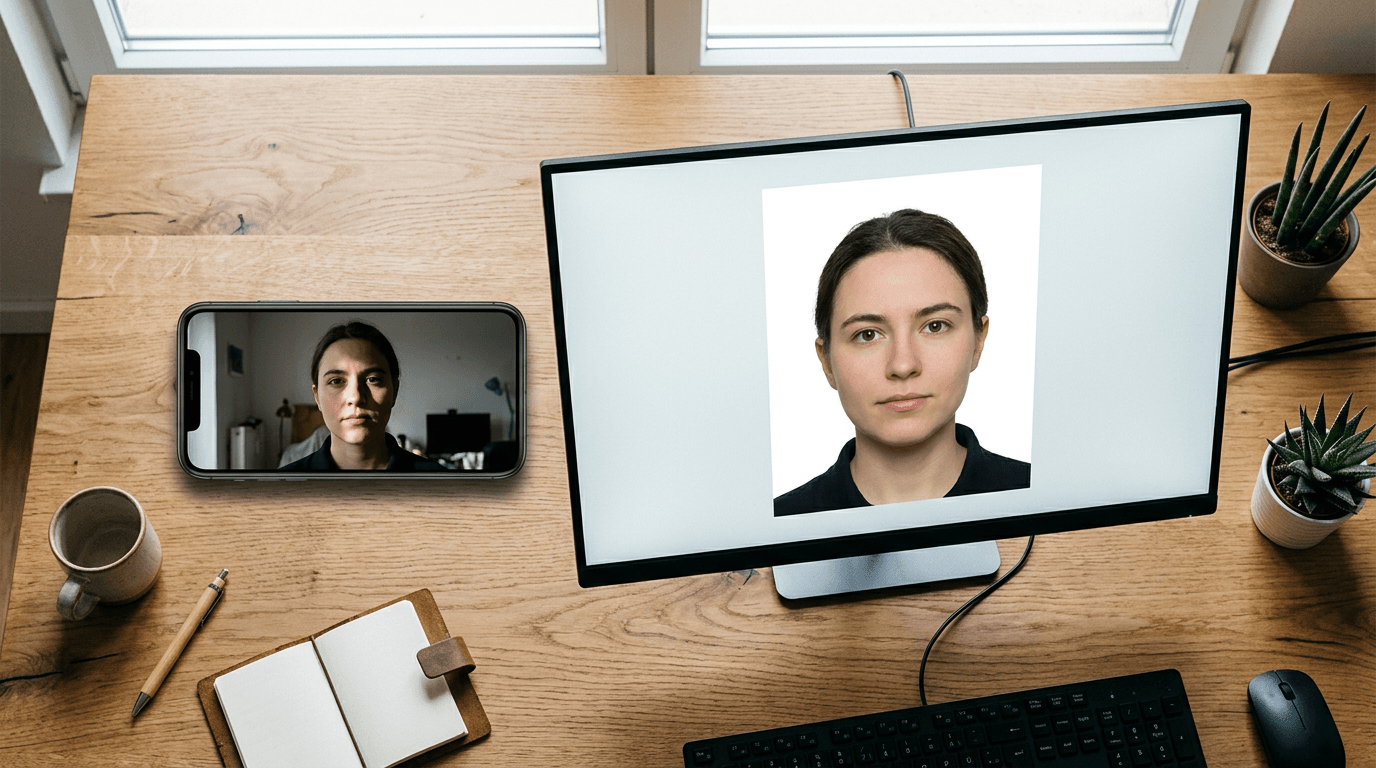
The assumption that any brightly lit smartphone picture of a newborn will pass a government biometric screening routinely costs parents a delayed visa application. The moment you place an infant on a white bedsheet and take a picture from above, you introduce fabric wrinkles, soft shadows under the chin, and slight angle distortions that fail automated consular checks. Securing a reliable foto passaporto online requires an engine designed specifically for document compliance rather than general image enhancement.
Quick Summary
A digital document photo generator processes a raw image against strict government biometric requirements, cropping the file to exact dimensions and removing unacceptable backgrounds. The right tool isolates the subject, corrects the canvas size, and guarantees compliance with international travel standards before you submit the application.
- Dedicated biometric processors apply automated checks for shadow and gaze.
- General design platforms require manual background adjustments and format awareness.
- Manual layout generators prioritize preparing print-ready sheets over digital validation.
- Selecting the right platform depends on whether you need a digital file or physical prints.
Table of Contents
- Comparing Digital Document Engines
- Tool Architecture and Verification
- 1. Passport Photo Online
- 2. Canva
- 3. PhotoGov
- 4. 123PassportPhoto
- Matching Architecture to the Application
- Recommended Reads
Comparing Digital Document Engines
| Product | Architecture | Features | Pros | Cons | Target Audience |
|---|---|---|---|---|---|
| Passport Photo Online | Dedicated Biometric Processors | AI photo booth, document editor | Automated background replacement, Built-in compliance checking, Handles digital and physical formats | Rejects mildly flawed photos strictly, Requires specific camera angles, Pricing reflects specialized algorithms | Users needing automated compliance |
| Canva | General Design Platforms | Background remover, manual sizing | Supports 35x40 mm and 35x45 mm exports, Web and app access, Solid white background swap | No biometric validation, Requires manual alignment, Margin of error relies on user | Confident DIY editors |
| PhotoGov | Dedicated Biometric Processors | Automated editor, country criteria matching | Applies specific national standards, Evaluates biometric parameters, Fully automated processing | Limited to official document outputs, Obscures the manual editing process, Dependent on clear original input | Visa and passport applicants |
| 123PassportPhoto | Manual Layout Generators | Web-based generator, print sheet creation | Generates printable layouts, Simple interface, Focuses on physical submissions | Lacks advanced background replacement, No automated biometric feedback, Basic cropping tools | Applicants printing at local kiosks |
Tool Architecture and Verification
Understanding how different systems process an image dictates whether the output will actually be accepted by an embassy. The core distinction lies in the Tool Architecture. We divide these platforms into three exact categories: Dedicated Biometric Processors, General Design Platforms, and Manual Layout Generators.

Dedicated Biometric Processors evaluate the image mathematically against a database of national requirements. They do not just resize the picture; they measure the distance from the chin to the crown of the head. General Design Platforms provide the canvas and the background removal tools, but they leave the mathematical compliance entirely to the user. Manual Layout Generators simply take a pre-edited photo and tile it across a 4x6 print template so that a standard photo kiosk can print it without stretching the image.
If you are dealing with the foto passaporto italiano specifications, you must ensure the face occupies the majority of the vertical frame with only specific margins at the top and bottom. A General Design Platform requires you to measure this by eye, which introduces human error. A Dedicated Biometric Processor maps the facial landmarks and scales the image automatically to meet the exact italian passport photo size before generating the final file.
Practical rule: Never use a tool that alters your facial features, smooths skin, or removes permanent blemishes; government software detects structural alterations and rejects the file as manipulated.
1. Passport Photo Online
Passport Photo Online functions as an AI-powered online photo booth and editor that prepares both digital and physical files for official identification documents. It is built for applicants who have taken a photo with their smartphone and need it immediately converted into a file that passes government checks.
The platform relies on an automated algorithmic review that scans the uploaded image for common rejection triggers. It measures lighting uniformity across the face. It strips the background. Then, it drops in a compliant solid backdrop. Acting as a Dedicated Biometric Processors tool, it maps the subject's head position to guarantee the file matches specific consulate requirements. The system stops you if the original photo has too much glare or if the subject's eyes are not clearly visible. This prevents expensive embassy rejections.
AI verification filters out rejection risks
When a system actively checks the distance between the eyes and the chin, it removes the guesswork from the application. It acts as a primary filter, forcing the applicant to retake the photo rather than submitting a non-compliant image.
The limitation of this platform lies in its rigidity. Because it operates strictly as a biometric filter, it will relentlessly reject images with minor shadowing or slight head tilts that a human clerk might theoretically accept in person. I would skip this if you are trying to force a low-resolution or heavily shadowed image through the system, as the AI will refuse to process it.
Choose this tool if you need software to actively validate the image against official database parameters before you pay for an application.
Pros
- Replaces non-compliant backgrounds automatically
- Flags lighting and posture errors immediately
- Delivers files scaled for both digital and print submission
Cons
- Refuses to process borderline photo quality
- Requires strict adherence to initial lighting instructions
- Provides zero creative or manual editing override
2. Canva
Canva operates as a widely adopted graphic design platform that happens to include a specialized online tool for cropping images and removing backgrounds for identification documents. It serves users who are already comfortable manipulating image layers and want to handle the formatting themselves without paying for a specialized passport tool.
The system works by allowing users to upload a raw photograph onto a blank canvas. Users can automatically remove backgrounds and swap them for a solid white color to comply with standard document rules. The tool supports creating and exporting passport and identity card photos in 35x40 mm and 35x45 mm formats. The platform is accessible via web browsers as well as dedicated applications for Android and iOS devices, putting the entire assembly process directly onto the user's screen. As one of the many General Design Platforms, it simply treats the passport picture as just another graphical element to be sized.
Blank canvas freedom limits compliance safety
Providing absolute control over the image means the software never stops you from making a mistake. You can easily drag the image slightly off-center, or leave the head too small within the frame.
This platform completely lacks biometric validation. It still exports 35x45 mm images. However, the subject's face can be obscured by shadow. The subject might look away. The facial proportions might also be incorrect. I would hold off on this if you are applying for a strict visa and do not know the exact millimeter requirements for head height.
Select this option when you fully understand the document specifications and simply need a tool to strip the background and lock the aspect ratio.
Pros
- Strips original backgrounds effectively
- Allows exact manual canvas sizing to official dimensions
- Operates smoothly across mobile applications and web browsers
Cons
- Lacks any automated facial proportion checking
- Fails to warn users about non-compliant shadows or glare
- Forces the user to measure head placement manually
3. PhotoGov
PhotoGov is an automated online biometric photo editor and checker that processes images specifically to match exact country document criteria. It targets global travelers and expatriates who need to quickly align a home photograph with a foreign consulate's highly specific dimension and background color mandates.
The platform functions by consuming the uploaded image and running it against an internal database of national document standards. It identifies the applicant's target country and automatically adjusts the crop, scales the head size, and edits the background to meet that exact jurisdiction's rules. As one of the Dedicated Biometric Processors, it removes the manual cropping phase entirely. The user does not need to know the destination country's required aspect ratio; they merely select the document type, and the software handles the spatial geometry.
Strict adherence to national criteria
By tethering the output directly to a database of global regulations, the system protects applicants from submitting an outdated format. It forces the image into compliance based on current consular data.
The absolute constraint here is the reliance on the initial upload's inherent quality. Because the tool automates the compliance matching, it cannot digitally reconstruct a blurry face or fix heavy pixelation caused by a bad smartphone sensor. What would make me hesitate is trying to use this platform with a photograph taken in low light, as the automated checker will either fail the image entirely or produce a heavily artifacted final file.
Use this service when you are applying for a foreign visa and do not want to research the specific biometric measurements yourself.
Pros
- Applies correct national sizing rules automatically
- Eliminates the need for manual cropping or measurement
- Validates image geometry against official standards
Cons
- Fails if the original photograph lacks sharpness
- Cannot correct severe lighting imbalances on the face
- Restricts output strictly to the chosen document type
4. 123PassportPhoto
123PassportPhoto operates as a simplified web-based generator designed to help users crop photos and structure them onto printable sheets. It is strictly for applicants who plan to take their digital file to a local pharmacy or retail printing kiosk and need the layout formatted so the machines do not stretch or cut off the heads.
The mechanism focuses entirely on the final physical output. Users upload an image, use a basic interface to define the crop area around the face, and the software tiles that cropped image multiple times onto a standard 4x6 inch digital template. Operating as one of the Manual Layout Generators, it does not analyze the eyes, mathematically check shadows, or actively replace complex backgrounds with a solid color. It simply scales the crop and arranges the layout so that a standard photo lab printer will yield correctly sized physical pictures.
Print structuring replaces digital precision
Solving the printing layout problem prevents retail kiosks from auto-zooming and ruining an otherwise perfectly proportioned photograph.
This generator operates with zero built-in image processing intelligence. If you upload an image with a cluttered living room background, the software will simply tile that non-compliant living room background onto the printable sheet. Those needing to submit applications electronically should skip this, as it is built to generate print sheets rather than optimized, isolated digital files.
Rely on this layout generator only when you already have a perfectly compliant, white-background image and just need it arranged for physical printing.
Pros
- Arranges photos perfectly for standard 4x6 print kiosks
- Prevents retail printers from stretching the image
- Operates rapidly without complex processing times
Cons
- Does not perform background removal
- Provides no verification of biometric standards
- Offers very rudimentary cropping functionality
Matching Architecture to the Application
Matching the tool to your situation prevents consulate rejections and saves application fees. The correct choice depends entirely on how much manual verification you are prepared to do yourself.
If your bottleneck is securing a compliant digital file without measuring the proportions yourself, Dedicated Biometric Processors handle the geometry and background removal automatically. They are the safest route when navigating strict national databases.
When you require absolute control over the crop and already know the exact millimeter requirements, General Design Platforms provide the canvas to execute the manual adjustments without biometric interference.
For applicants who simply need to transport an already compliant photo to a physical retail printer without the machine ruining the scale, Manual Layout Generators arrange the file perfectly for the kiosk.