4 Options to Choose as Your Passport Photo Maker in 2026
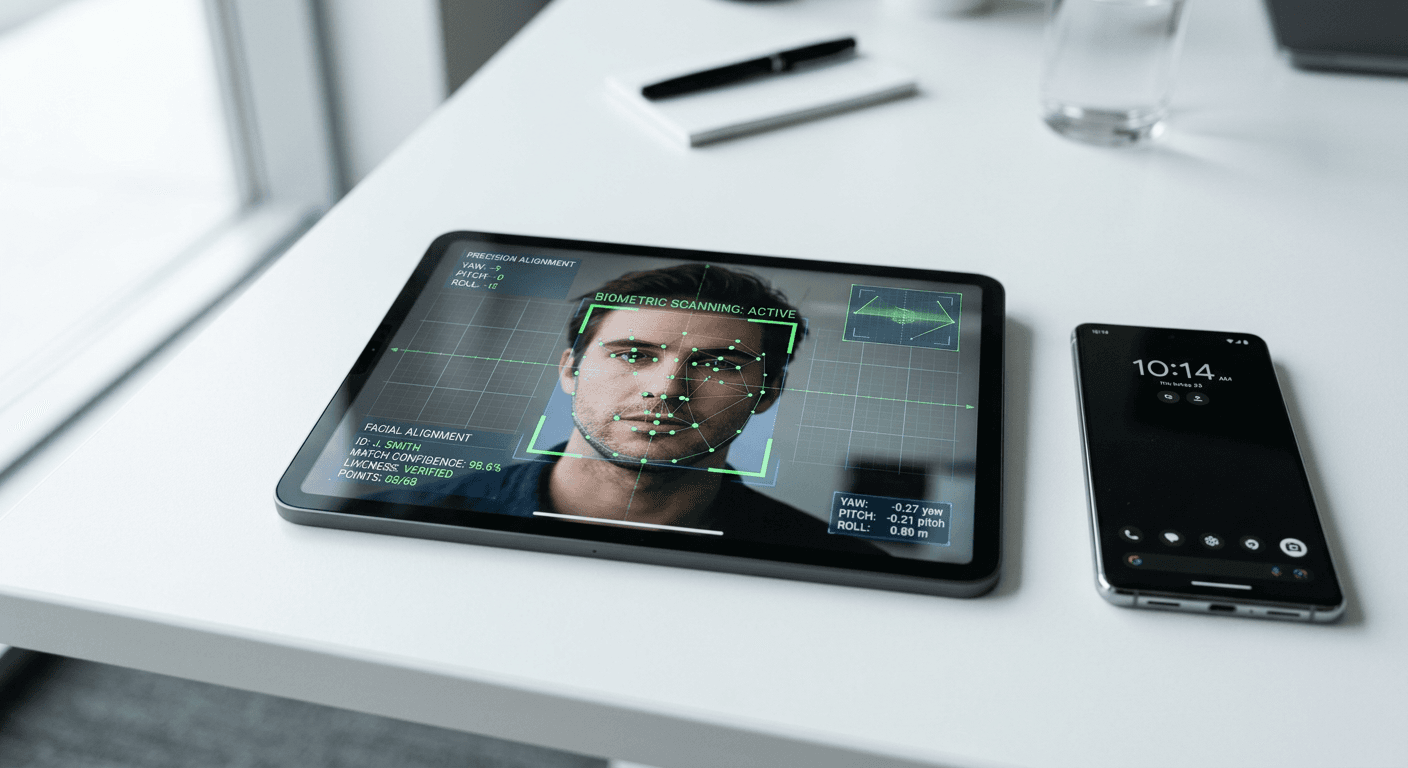
Many applicants assume that standing in front of a blank wall guarantees their documentation will pass, only to receive a rejection notice two weeks later citing background shadows or incorrect head-size ratios. The margin for error on official travel documents is notoriously thin, and digital submission portals now run automated biometric checks before a human clerk ever sees the file. Choosing a reliable passport photo maker does more than simply crop an image - it mathematically aligns facial features to rigid specifications that vary from one jurisdiction to the next.
Quick Summary
A compliant digital imaging tool automatically removes ambient backgrounds, centers the subject's face, and calibrates the aspect ratio to match official government standards. Relying on specialized software prevents the common application delays caused by minor formatting errors.
- Automated algorithms handle the strict background segmentation required for biometric compliance.
- Platforms differ heavily in their pricing models, ranging from pay-per-image fees to annual subscriptions.
- Human oversight remains an essential fallback when AI struggles with low-contrast lighting or complex hairstyles.
- Dedicated compliance suites prioritize strict adherence to rules over aesthetic enhancement.
Table of Contents
- How to Evaluate Image Validation Platforms
- 1. Passport Photo Online
- 2. PhotoGov
- 3. PFPMaker
- 4. Pokecut
- Matching the Right Tool to Your Immediate Deadline
- Recommended Reads
| Product | Platform Focus | Features | Pros | Cons | Target Audience |
|---|---|---|---|---|---|
| Passport Photo Online | Dedicated Compliance Suites | AI cropping, mobile apps, human verification | 200% rejection guarantee, cross-platform apps, expert review | Per-image cost adds up, requires app download for mobile, higher base fee | Applicants facing strict visa rules |
| PhotoGov | Dedicated Compliance Suites | Sizing automation, format conversions, human check option | Occasional free generation, subscription option, multi-format export | Free tier depends on server load, human check costs extra, complex regional pricing | Users processing multiple applications |
| PFPMaker | Profile & ID Specialists | Background removal, profile optimization, fast export | Flat monthly rate, refund window, simple web interface | 5MB upload limit, lacks country-specific templates, no human verification | Professionals needing mixed digital assets |
| Pokecut | General Graphic Editors | Batch processing, AI enhancement, design templates | Trial credits available, unlimited background removal on Ultra, non-recurring bundles | Annual billing for lowest rates, subscription overkill for one document, UI built for designers | Graphic teams and high-volume editors |
How to Evaluate Image Validation Platforms
The software you use to generate application files must enforce rules, not just improve aesthetics. Selecting a passport photo online requires understanding exactly where a platform positions itself in the market. To navigate this, we evaluate tools through the lens of Platform Focus, which separates these options into three distinct categories.
The first category is Dedicated Compliance Suites. These platforms exist solely to meet government regulations. They maintain updated databases of international standards, calibrate images to exact millimeter dimensions, and often provide some form of guarantee against bureaucratic rejection. They do not offer filters or beauty enhancements, as those modifications invalidate official documents.
Practical rule: Never apply color grading, skin smoothing, or artificial lighting adjustments to a biometric image, as digital tampering is a primary trigger for automatic rejection by border agencies.
The second category encompasses Profile & ID Specialists. These tools bridge the gap between corporate headshots and standardized identification cards. While they excel at background removal and uniform cropping, they generally lack the strict, country-specific dimensional templates required by federal authorities. You must manually verify that the output meets the detailed requirements by country before submitting the final file.
The third category is General Graphic Editors. These are broad, AI-driven design platforms that include document generation as a secondary feature. They operate on credit systems and cater to users who need to process dozens of different image types every month. While capable of producing a compliant layout, they demand more manual input from the user to ensure the final crop aligns with official guidelines.
1. Passport Photo Online
Sitting securely in the Dedicated Compliance Suites category, Passport Photo Online is a digital booth service designed specifically for applicants who cannot afford a rejection delay. On its mobile application, it holds a rating of 4.5 out of 5 stars based on 17,952 reviews, reflecting its focus on high-stakes documentation.
The system operates across web and native mobile applications for iOS and Android. Users snap pictures directly from their phones. Once an image is uploaded, the software automatically replaces ambient backgrounds with plain white or off-white backdrops, depending on the selected country's rules. Crucially, the process does not end with automation. The platform routes the edited file through a human expert who verifies the biometric alignment against official criteria. For users looking to creare foto tessera for local Italian authorities, utilizing this smartphone service generally costs between 5 € and 10 € per image.
Human oversight catches what algorithms miss
While AI excels at detecting hard edges, it frequently struggles with frizzy hair, glasses glare, or uneven shoulder heights. The dual-layer approach here ensures that a trained eye catches the subtle anomalies that automated background segmentation usually leaves behind. The service backs this verification layer with a 200% money-back guarantee if the generated image is rejected by government authorities.
Paying a distinct premium for a single image restricts this tool's utility for large families. If you are processing renewals for four children simultaneously, the per-document fees compound rapidly compared to flat-rate subscription models, making the total expenditure significantly higher than alternative methods.
We would choose this platform when submitting an urgent application where a dimensional error would result in a canceled trip or an expired visa.
Pros
- Provides a financial guarantee against government rejection.
- Native mobile applications streamline capturing images on the go.
- Human specialists verify the final biometric crop.
Cons
- Individual processing fees accumulate quickly for multiple applicants.
- Requires installing a dedicated application for the best mobile experience.
- Base cost sits higher than basic automated cropping tools.
2. PhotoGov
Handling varied country-specific sizing instantly is the primary bottleneck PhotoGov removes for users navigating international travel requirements. As a member of the Dedicated Compliance Suites category, it strips away the complexity of cross-referencing dimension tables by automating the calibration entirely.
The platform functions as an AI-powered web tool that automatically sizes, crops, and replaces backgrounds to meet official standards. Users upload a raw file, select the target country and document type, and the software generates a compliant template. Users searching for a free passport photo online might utilize its daily allowance, as the platform grants the option to generate one free ID photo per day. However, this free tier is strictly dependent on regional availability and current server load.
Regional pricing structures dictate the true cost
The commercial model scales based on the depth of validation you require. Buyers typically compare the $5.90 starting fee in paid regions against $0.90 individual processing rates or a $9.90 unlimited monthly subscription. Rather than varying by document type, the subscription tier unlocks unlimited photo generations, all file formats, and watermark-free downloads for heavy users.
Automation and assurance operate on entirely separate tracks. Unlike platforms that bake manual review into the base price, this system provides human verification by a trained specialist only as an optional service for an additional regional fee. If you decline the upcharge, you are relying entirely on the algorithm.
We would deploy this tool if we needed to batch-process several different international visa requirements simultaneously and already had well-lit source files.
Pros
- Subscription tier permits unlimited generation for high-volume needs.
- Supports a wide array of export file formats.
- Grants limited daily access without payment when servers permit.
Cons
- Manual expert review requires an additional per-photo fee.
- Free generation access fluctuates based on system demand.
- Pricing fluctuates heavily based on the user's geographic region.
3. PFPMaker
Moving away from strict federal regulations toward general professional imaging, PFPMaker anchors the Profile & ID Specialists category. It is an online editing tool built to generate clean, professional headshots from casual photographs.
The system operates via a straightforward web interface focused entirely on background extraction and subject centering. When you upload an image, the AI isolates the subject and allows you to drop the extracted portrait onto flat colors or professional backdrops. Because it supports image uploads in JPG or PNG format, it handles standard smartphone files easily. If you need to make passport photo derivatives for internal company directories or university identification cards, the tool strips out cluttered backgrounds in seconds without requiring manual masking.
File size limits force early compression
The platform monetizes through a predictable monthly Premium Plan subscription priced at $9 per month. For teams testing the waters, it provides a refund window on subscription fees within 7 days of purchase, provided that no design files have been downloaded or used during that period.
The hard constraint here is input capacity. The platform enforces a maximum file size limit of up to 5MB per upload. Modern smartphone cameras frequently produce raw files exceeding 8MB to 12MB, meaning applicants must actively compress their high-resolution shots before they can even begin the validation process.
We would lean on this application when upgrading digital credentials for corporate directories, where the strict sizing rules of US authorities do not apply.
Pros
- Flat monthly subscription avoids complex per-image pricing.
- Offers a brief refund window for unused premium accounts.
- Web interface requires no dedicated software installation.
Cons
- Restricts initial uploads to a relatively small 5MB ceiling.
- Lacks the specific biometric measurement grids of dedicated tools.
- Provides no human oversight for government compliance.
4. Pokecut
When a team needs to batch-process marketing assets alongside staff identification cards, Pokecut enters the workflow. Categorized under General Graphic Editors, it approaches document generation as just one feature within a much larger creative ecosystem.
This AI-driven graphic design platform provides comprehensive online image editing capabilities, which include dedicated tools to generate Italian passport photos. Instead of a single-path wizard, users access a dashboard. It features AI enhancements, background removers, and template generators. Those hunting for a foto tessera gratis might leverage the initial trial of its AI photo enhancer, which grants users 20 free credits to test the capabilities before committing to a paid tier.
Practical rule: When using credit-based graphic design platforms, verify that generating high-resolution exports does not consume multiple credits per single download.
Subscription tiers reward high-volume editing
The commercial structure relies on ongoing subscriptions rather than document-specific fees. Buyers generally compare the $69.99 annual Pro plan against the $89.99 Ultra upgrade or a $9.99 non-recurring credit bundle. The Pro plan provides 800 credits per month alongside standard tools, while the Ultra tier delivers 1500 credits and unlocks unlimited background removal. For users who refuse subscriptions, the platform sells credit packages starting at 300 credits.
Locking the lowest monthly rates behind annual billing commitments isolates this tool from the casual applicant. Purchasing an annual graphic design suite simply to format a single travel document is a severe over-investment in both money and onboarding time.
We would hold off on this suite if the sole objective was preparing a single government application; it is built for users who continually edit digital assets.
Pros
- Ultra tier provides completely unlimited background removal.
- Initial trial grants credits to test the AI capabilities.
- Non-recurring bundles offer a way around annual commitments.
Cons
- Lowest advertised monthly rates require upfront annual billing.
- Credit systems complicate predicting the exact cost per image.
- The interface caters to broad design rather than strict biometric tasks.
Matching the Right Tool to Your Immediate Deadline
Selecting the correct software depends entirely on the penalty for failure. If your priority is absolute certainty for a federal application, the Dedicated Compliance Suites are the required path. Tools in this category, equipped with strict biometric grids and human verification steps, are built specifically to satisfy the shadow-free background mandates in the UK and other stringent international jurisdictions. They demand higher per-image fees, but they remove the anxiety of dealing with rigid bureaucratic thresholds.
If you are primarily updating business credentials or creating non-federal identification cards, Profile & ID Specialists offer the most streamlined workflow. They strip away the unnecessary regulatory checks in favor of rapid background extraction, making them highly effective for corporate directories. They allow for quick iterations without forcing you to pay premium prices for government-level guarantees.
Finally, General Graphic Editors serve a completely different operational demand. When you are managing digital assets for a whole team and document generation is merely one task among many, these platforms provide the necessary scale. By leveraging bulk credits and extensive design templates, they handle everything from marketing materials to basic identification formatting, provided you are willing to double-check the final measurements yourself before submission.