4 Best Passport Photo Maker Tools for Home Compliance in 2026
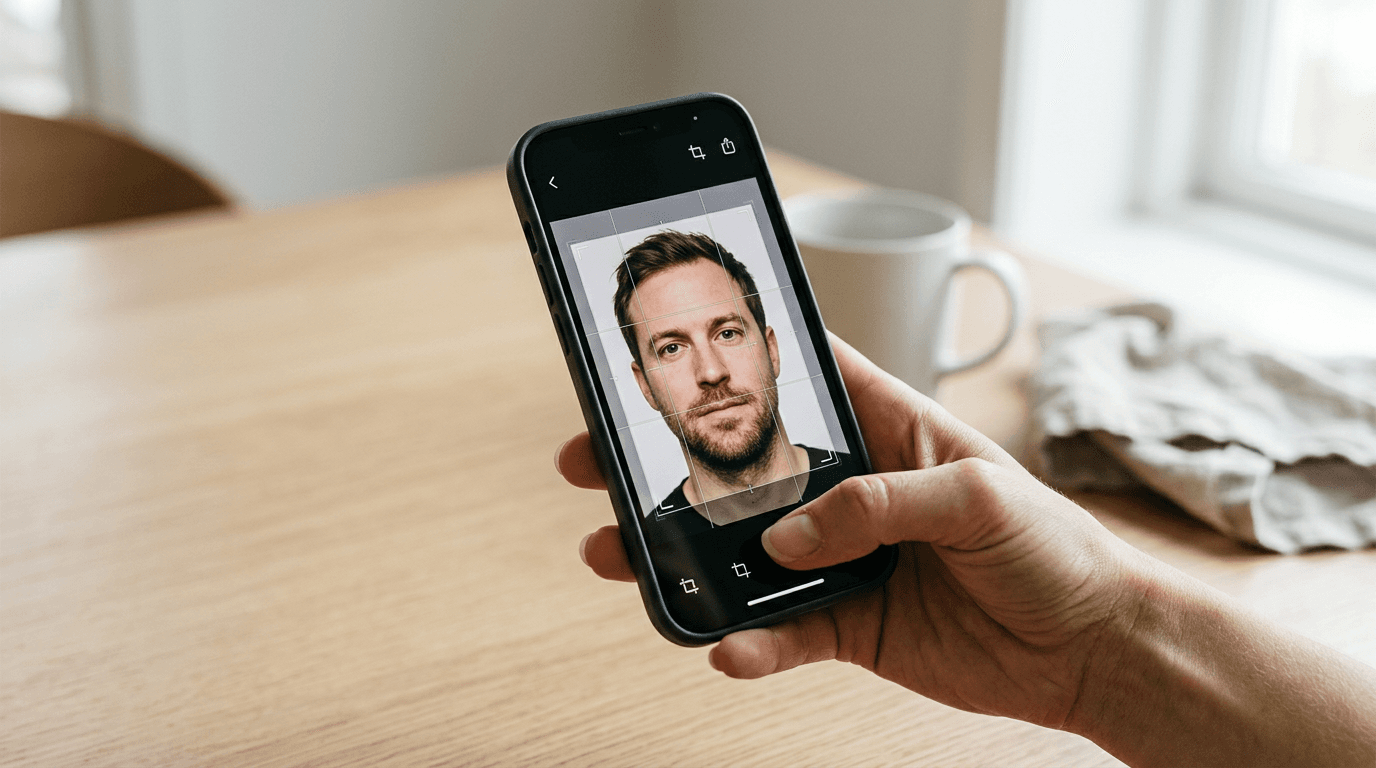
The assumption that a flat white wall and overhead lighting are sufficient for document photography routinely ends at the rejection desk. Human eyes adjust for shadows and contrast automatically, but biometric algorithms scanning your submission do not. Choosing a passport photo maker means evaluating how a digital tool bridges the gap between consumer smartphone optics and strict international biometric standards.
Quick Summary
Producing a compliant image at home requires software capable of executing specific biometric calibrations, automated background extraction, and precise dimensional cropping. Finding a reliable passport photo online involves navigating tools that parse these requirements locally or through remote cloud servers.
- Processing architecture defines privacy: Client-side processing keeps data local, while cloud platforms upload images to remote servers.
- Automation vs. control: Fully algorithmic background removal is faster but struggles with complex lighting, whereas hybrid tools offer manual override.
- Output formats matter: Solutions vary between offering purely digital downloads and managing physical print logistics.
- App versus web: Mobile-centric tools leverage device hardware directly, while browser-based options avoid installation friction.
Table of Contents
- Buying Guide: Evaluating Biometric Verification Capabilities
- 1. Passport Photo Online
- 2. SammaPix
- 3. PhotoAiD
- 4. MakePassportPhoto
- Mapping Architecture to Your Application Timeline
- Recommended Reads
Buying Guide: Evaluating Biometric Verification Capabilities
Government optical character recognition (OCR) and facial recognition scanners operate on absolute geometry. An image must satisfy specific parameters regarding the distance from the bottom of the chin to the crown of the head, the centering of the eyes, and the complete elimination of background gradient shadows. A standard digital camera cannot enforce these matrices during capture; the verification burden falls entirely on the processing software.

When evaluating any system, the primary metric is its classification axis: Processing Architecture. This dictates where your biometric data travels, how the software applies its edits, and what level of control you retain over the final output.
- Full-Service Cloud AI: These platforms upload the source file to a centralized server where proprietary algorithms handle edge detection and background extraction. They typically offer print fulfillment as part of the service.
- Local Browser Processing: These tools download the execution script to your local machine. The computational heavy lifting happens entirely within your web browser, ensuring the source image never transmits across a network.
- App-Centric Verification: Mobile applications that integrate directly with the device's native camera hardware to guide framing in real-time before processing the file.
- Hybrid Editing Suite: Platforms that apply an initial automated pass but provide granular manual controls for users to adjust masks, shadows, and crop boundaries manually.
Choosing among these requires understanding the exact dimensions you need to generate. For instance, consulting a United States Baby Passport Photo Guide highlights that the absolute 2x2 inch requirement and rigid head-height percentages leave zero margin for automated cropping errors.
Practical rule: Never apply digital filters or post-processing sharpening before uploading a file to a verification tool; artificial sharpening creates pixel halos that automated compliance checkers register as background artifacts.
Comparison Table
| Product | Processing Architecture | Features | Pros | Cons | Target Audience |
|---|---|---|---|---|---|
| Passport Photo Online | Full-Service Cloud AI | AI resizing, background removal, home delivery | Unlimited attempts, physical prints, iOS/Android apps | Delivery takes 2-3 days, requires payment for final, external server processing | Applicants needing physical prints delivered to their door |
| SammaPix | Local Browser Processing | Local background removal, 35x45mm support, pure white replacement | No account required, zero server uploads, completely free | No manual editing tools, lacks physical print logistics, browser dependency | Privacy-conscious users on desktop workstations |
| PhotoAiD | App-Centric Verification | Mobile cropping, compliance checks, iOS integration | High mobile rating, integrated camera pipeline, automated checks | Mobile-heavy interface, frustrating for desktop uploads, algorithmic black box | Users capturing source images directly via smartphone |
| MakePassportPhoto | Hybrid Editing Suite | Automated editing, manual adjustments, identity formatting | Manual overrides, detailed parameter control, flexible formatting | Higher risk of user error, steeper learning curve, varying output consistency | Technically proficient applicants correcting complex lighting |
1. Passport Photo Online
Will your visa application survive the final desk? Slightly off image contrast causes instant rejections, sending most applicants scrambling for a rapid replacement. Passport Photo Online solves this problem. The comprehensive platform and mobile application formats and verifies biometric photos for passports, identity cards, and visas. You skip the studio visit entirely. The system acts as a full-service bridge. It connects a raw smartphone image directly to the physical document requirement.
This platform relies on a cloud-based artificial intelligence pipeline. When an image is uploaded, the software automatically resizes the photo, extracts the original background, and replaces it with the mandated solid color while verifying compliance against specific government criteria. Because the system handles the complexities of edge detection and proportion scaling remotely, users do not need to understand the underlying biometric geometry. The commercial model allows for unlimited photo attempts, requiring payment only for the finished product. For individuals seeking a foto passaporto online solution that handles fulfillment, orders for physical prints can be delivered directly to the user's home within 2 to 3 business days.
Infinite Retakes Offset The Physical Delivery Wait
The structural bottleneck of this approach is the logistics of physical fulfillment; relying on a 2 to 3 business day delivery window makes the physical print service unsuitable for emergency same-day consulate appointments unless the user possesses their own high-quality dye-sublimation printer. You are trading immediate physical possession for automated verification accuracy.
We would route users toward this service when processing routine renewals where application timelines easily absorb a few days of postal transit.
Pros
- Unlimited preliminary attempts before final purchase
- Handles both digital formatting and physical print logistics
- Dedicated mobile applications for iOS and Android platforms
Cons
- Delivery timeline limits utility for urgent applications
- Uploads sensitive biometric data to external servers
- Commercial model requires payment to access the verified final file
2. SammaPix
Instead of pushing biometric data to a remote server, browser-based execution offloads the image analysis directly to the device's local memory. SammaPix functions as a browser-based photo tool suite that includes a dedicated generator for compliant passport photos. It is designed to execute processing tasks without requiring the user to navigate through complex account creation sequences or navigate subscription paywalls.
The tool categorizes under Local Browser Processing. It automatically removes the background of the uploaded photo and replaces it with pure white by leveraging client-side scripts. It specifically supports the standard Italian passport photo dimensions of 35x45 mm. Because it processes images entirely within the local web browser, user photos are not uploaded to external servers, securing the data trail. Furthermore, the passport photo tool operates as a free passport photo online, applying no watermarks to the final generated file.
Zero-Server Processing Secures Biometric Data
The honest limit of a purely automated, client-side tool is that it completely lacks manual fallback mechanisms if the edge-detection algorithm struggles with complex elements like frizzy hair or severe neck shadows. If the automated white background replacement aggressively clips the subject's ear or fails to distinguish a light-colored shirt from the wall, the user has no granular masking tools to correct the boundary.
We suggest utilizing this platform when operating on corporate or heavily restricted networks where transmitting personal photographs to third-party cloud endpoints violates security protocols.
Pros
- Processes entirely within the local web browser for maximum privacy
- Operates entirely free with no watermarks applied
- Requires zero account creation or authentication steps
Cons
- Lacks physical print delivery infrastructure
- Edge detection failure leaves the user without manual correction tools
- Performance depends heavily on the local device's computational capacity
3. PhotoAiD
Currently holding a rating of 4.4 out of 5 stars based on over 2,200 reviews on the Apple App Store, mobile-centric platforms demonstrate the shift away from desktop editing environments. PhotoAiD is an AI-powered online service and mobile app specifically designed to crop, edit, and check document photos for compliance. It positions itself squarely in the App-Centric Verification category by optimizing for users who rely entirely on their smartphone hardware.
The application manages the entire pipeline from lens to finalized file. Rather than expecting users to port high-resolution files from a separate digital camera, the app ingests the image directly from the mobile operating system. It applies artificial intelligence to crop the image to strict governmental dimensions, edits the background variables, and runs an internal compliance check against international standards. Checking the specific regulations within a United Kingdom Baby Passport Photo Guide reveals how critical these automated checks are for avoiding rejection due to improper shadow distribution or incorrect focal length distortion.
Mobile-First Workflows Fit Smartphone Photographers
Because the product is heavily indexed on its mobile app ecosystem, desktop users attempting to upload existing, high-resolution archived DSLR photographs through a standard web interface may find the workflow significantly less optimized than the native iOS experience. The platform prioritizes the mobile lens over the traditional workstation.
We recommend deploying this app when a user is actively photographing a subject in real-time with their phone, allowing the software to guide the immediate capture rather than trying to salvage a pre-existing photograph.
Pros
- Highly rated iOS integration streamlines mobile capture
- Immediate automated compliance checks upon capture
- Unified pipeline from native camera to finished edit
Cons
- Desktop or workstation integration is secondary to the mobile experience
- Automated black-box processing obscures the exact reasons for a failed check
- Requires installing a dedicated application rather than executing in a browser
4. MakePassportPhoto
Fully automated background removal routinely fails when the subject's clothing lacks sufficient contrast with the wall behind them, merging the shoulder line directly into the background matrix. MakePassportPhoto operates as an online platform offering both automated and manual editing tools for official identity and passport photographs. It targets the Hybrid Editing Suite category by acknowledging that algorithms occasionally require human intervention.
The mechanism here is dual-layered. The platform allows users to apply standard automated scripts to isolate the subject and format the image. However, when the automated thresholding fails to properly differentiate complex lighting or low-contrast boundaries, the platform exposes manual editing tools. This allows users to physically paint or adjust the masking boundaries, shift the crop parameters, and dictate the exact alignment to ensure compliance. If you need to make passport photo files from difficult source material, this hybrid approach prevents you from being locked out by a failing algorithm.
Practical rule: When utilizing manual masking tools to correct an automated background failure, always zoom in to the pixel level around the hair and shoulders; government OCR systems immediately flag unnatural, rigidly straight digital cutouts.
Manual Fallbacks Rescue Difficult Lighting Scenarios
The inherent limitation of providing granular manual tools is that it introduces a high vector for user error. An applicant confidently tweaking the crop or adjusting the alignment can easily push the facial proportions out of the strict biometric tolerances mandated by the governing body, entirely defeating the purpose of using a compliance checker.
We would select this platform for applicants who already possess basic technical image editing knowledge and need to correct a source photo taken in suboptimal lighting conditions.
Pros
- Exposes manual editing tools for granular control
- Capable of salvaging low-contrast images that defeat basic automation
- Operates strictly online without requiring mobile app installations
Cons
- Manual adjustments dramatically increase the risk of biometric non-compliance
- Steeper learning curve than fully automated one-click solutions
- Less streamlined for users seeking a frictionless, immediate result
Mapping Architecture to Your Application Timeline
Matching the correct passport photo maker to your specific situation requires looking at your timeline and technical constraints. The classification axis of processing architecture directly dictates how fast and how safely you can finalize your document submission.
If your bottleneck is securing physical media without leaving your residence, the Full-Service Cloud AI approach handles the entire logistical chain. Platforms in this category take the burden of formatting and printing completely out of your hands, making them ideal for routine renewals where waiting a few days for postal delivery does not risk an application deadline.
When data privacy dictates your workflow - such as preparing documents on a corporate network with strict data-loss prevention policies - a Local Browser Processing tool is mandatory. Because the image analysis executes entirely within your machine's memory, you eliminate the risk of transmitting biometric identifiers to unknown servers, though you must accept the lack of manual refinement.
For applicants capturing new images on the fly, App-Centric Verification platforms merge the camera hardware with the compliance software. This provides real-time feedback on lighting and framing, significantly reducing the chances of capturing an unusable source image.
Finally, when you are forced to work with a less-than-ideal source photograph where the lighting blends the subject into the wall, a Hybrid Editing Suite is necessary. While automation is faster, having the ability to manually override the background extraction mask ensures you can salvage images that purely algorithmic tools would simply reject.